What’s the Best AI Image Generator for Your Creative Vision?
If you’re wondering whether Midjourney is the best tool—or just the one everyone talks about—this post will help you decide based on your creative vision, and which AI art tool will actually give you the results you want (and save you from some hilarious AI fails along the way).
People often ask me: “Is Midjourney really the best tool for creating AI images?” Or sometimes: “Which tool should I use for coloring books, or getting text right, or making icons?”
While I definitely cut my AI image‑making teeth with Midjourney (and still use it almost daily), I’ve learned the better question is: What are you trying to create? The best AI image tool for you depends entirely on your creative goals.
Whether it’s a simple coloring page or a detailed line-art drawing… playful clipart or stickers… a consistent book character or cozy scene layout—that is what determines which tool works best for you.
One Prompt, Four Results
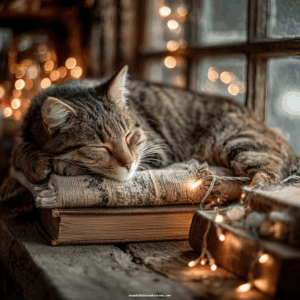
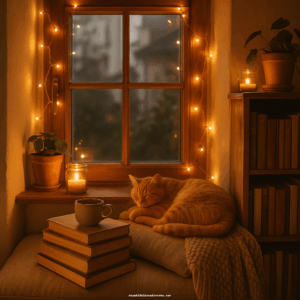
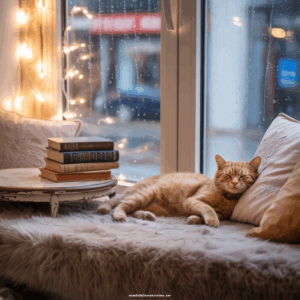
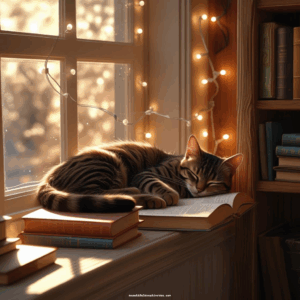
See how four different AI image tools interpret the exact same prompt — and how their styles compare side-by-side. Scroll down to see the full size images.
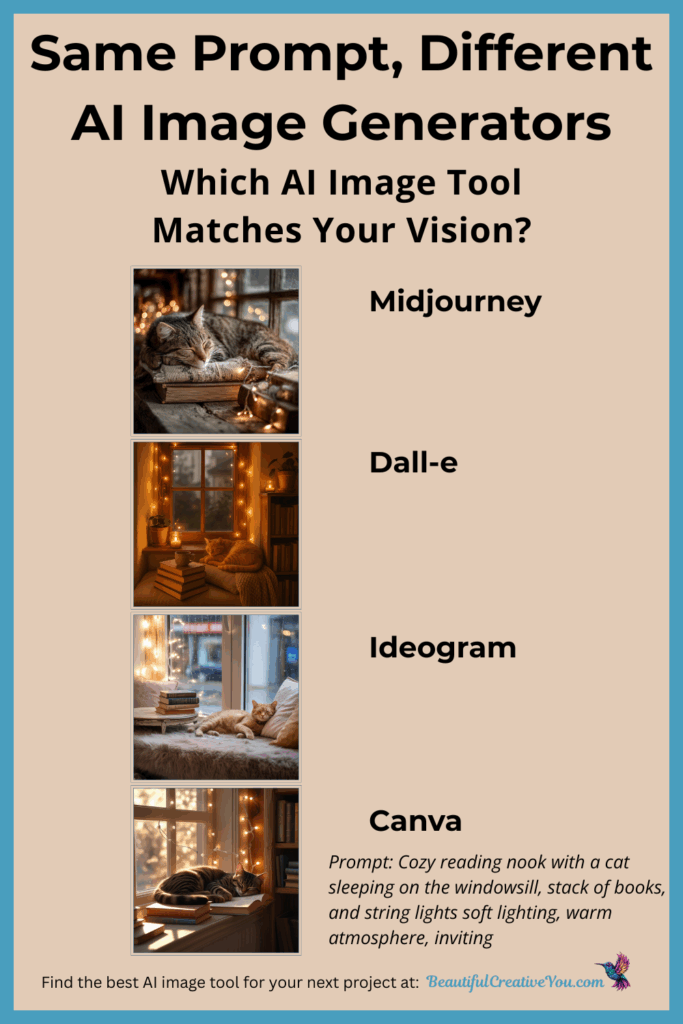
Side-by-Side AI Image Generator Results
Midjourney
Dall‑E
Ideogram
Canva
A Peek at a Few of the Tools I Use
Midjourney
Midjourney is one of the most powerful AI art tools for creating detailed artwork, stylized scenes, character consistency, coloring pages, clipart, and maintaining style with seed numbers.
- Can “fix” images you upload, even if they weren’t originally created in Midjourney.
- A lifesaver for almost-perfect images with small flaws.
Ideogram
Great for clean clipart, word art, and coloring page elements.
- Built-in style/seed control for visual consistency.
- New Ideogram Character tool lets you create variations from one character reference image.
Canva
Fantastic on-the-fly option for quick visuals.
- Great for icons, promo graphics, and as a visual starting point for refining in other tools.
Dall‑E 3
Good with text and built into ChatGPT for on-the-go creation.
- Great for conceptual or business-themed visuals.
Remember to Stay in Integrity
When you upload to an AI image tool, stick to your own photos, artwork, or licensed material if you’re recreating closely.
If you want to guide the AI toward a certain style or mood, using a style reference is a great option — think of it like showing the AI a visual mood board. The goal is for your final image to be your own unique creation, inspired by the mood or aesthetic you want, so the final result is your own, rather than a close replica of someone else’s work.
Fix or Re‑Do?
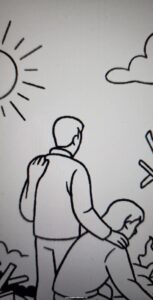
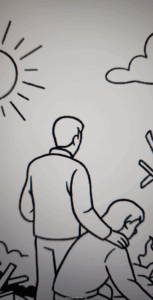
Aside from simple fixes, it’s often faster to re‑prompt. But if you finally get one that’s almost there, Midjourney’s edit tool might just save your sanity.
Prompt Wisdom
AI prompt tips for better AI image creation results from any AI image generator, no matter which tool you use.
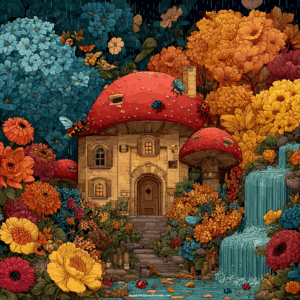
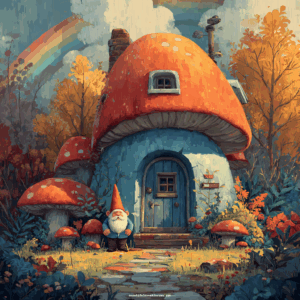
When you overload a prompt with too many competing elements, the image can feel busy or disjointed. Overcomplication often detracts from your project rather than enhancing it.
- Keep it clear and specific
Too many words = chaos. Simple prompt for a simple image, but always specific.
- Remove contradictions from your prompt
Don’t say “minimalist” and “ornate” in the same prompt. - Use seeds or style prompts for consistency
Midjourney, Ideogram, and others have this feature.
Seed Consistency in Action
Midjourney Example
(Original on the left, variation on the right.)
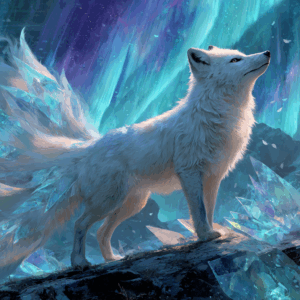
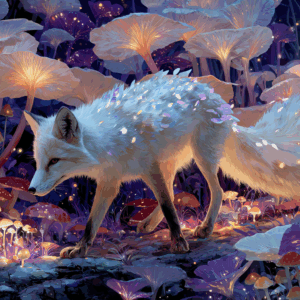
Nothing is guaranteed with AI — and other versions you’ve created may subtly influence the next result.
Ideogram Example
(Original on the left, variation on the right.)
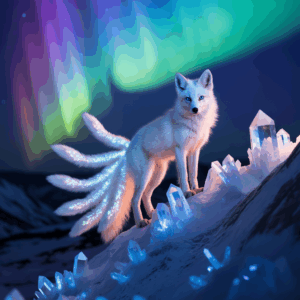
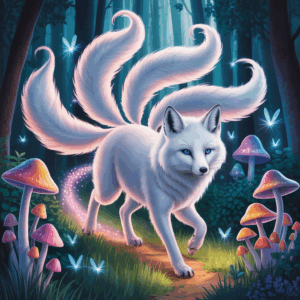
Nothing is guaranteed with AI — and other versions you’ve created may subtly influence the next result.
Try These Prompts in Multiple Tools
If you want to see for yourself how different AI image generators interpret the same idea, here are the exact prompts I used in this post. Try them in your favorite tool (or all of them!) and notice the differences in style, lighting, and detail.
Cozy Reading Nook Prompt
Cozy reading nook with a cat sleeping on the windowsill, stack of books, and string lights — soft lighting, warm atmosphere, inviting aesthetic.
Mystical White Fox – Aurora Scene (Original)
Mystical white fox under an aurora sky, with glowing crystals and rich, detailed lighting — fantasy illustration style.
Mystical White Fox – Mushroom Forest (Variation)
Mystical white fox exploring a glowing mushroom forest — rich detail and soft fantasy lighting.
Mushroom House – Simple Prompt
Whimsical mushroom-shaped house with a gnome at the door and rainbow in the background.
So… Is There a “Best” Tool?
The real question isn’t which tool is best. It’s: Which one will help you create what you envision?
Pair the right AI image tool with a clear, aligned prompt—and that’s when the magic happens. That’s how you find the best AI image generator for your creative goals.
Want Help Improving Your Image Prompts?
If you’ve been frustrated by AI images that don’t match your vision, these resources will shortcut your learning curve:
- Grab my free Midjourney 101 Checklist — take the guesswork out of where to start and what to do, so you can start creating the images you envision faster.
- Check out my AI Image Prompt Builder Workbook — designed to help you clarify your vision and craft prompts that work in any AI image tool. It’s the perfect companion to the free Midjourney 101 Checklist!