Ever open an AI image generator, type in your idea, and get something that looks… nothing like what you imagined?
One minute you’re excited, the next you’re staring at a dragon in a top hat or a cat with six paws and wondering where you went wrong.
It happens to all of us.
A reader recently asked me, “How do I know which AI image generator to use for my project?”
It’s a great question — and honestly, one I wish someone had answered clearly when I was just getting started.
Because the truth is, every AI image tool has its own strengths — just like every artist has a style. The secret isn’t mastering them all; it’s finding the one that fits what you want to create right now.
So, let’s make this easy (and maybe even fun).
🌈 Easy AI Tools for Creatives: What Each AI Image Generator Does Best
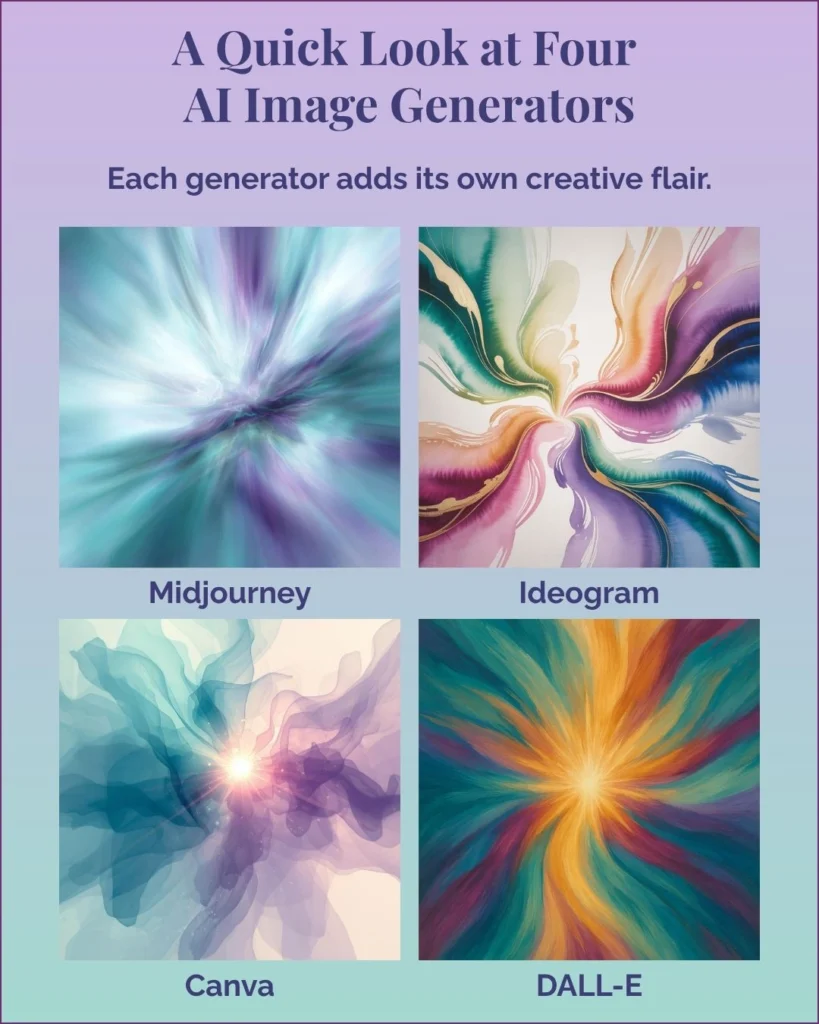
Once that first spark of inspiration hits, the next question is usually: Which tool will actually help me bring it to life? Each AI image generator has its own personality — its own way of translating your ideas into color, shape, and texture. When you understand what each one naturally does best, the whole process gets easier (and a lot more fun).
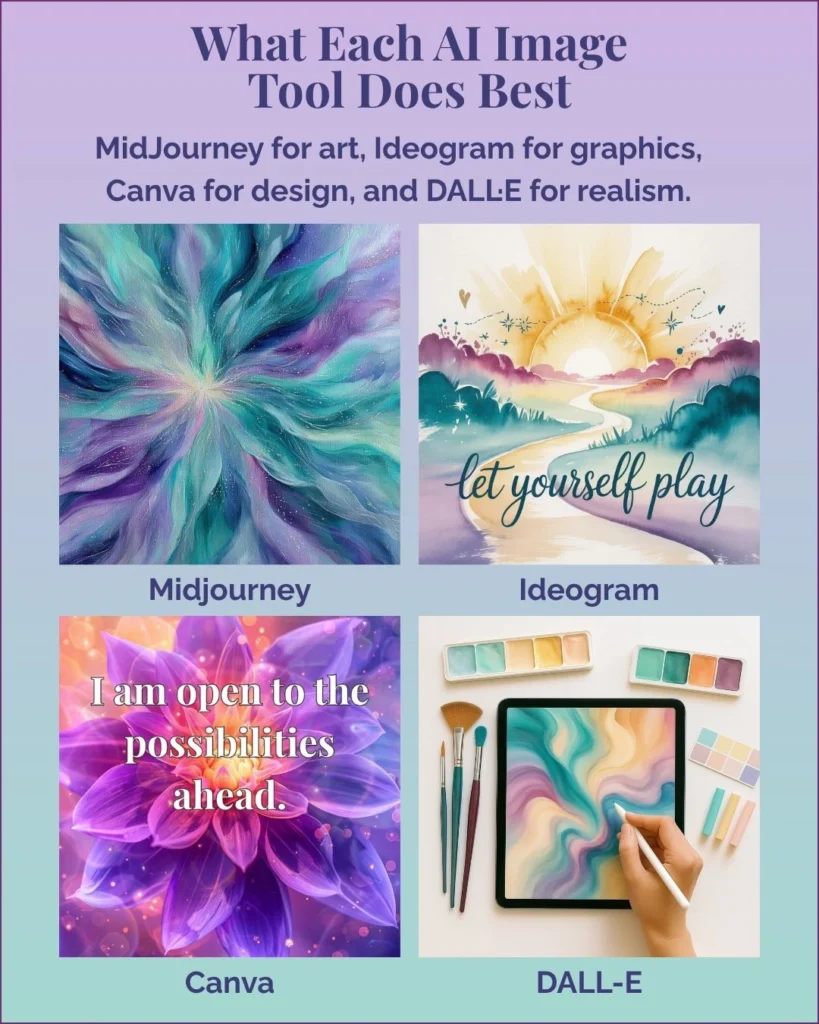
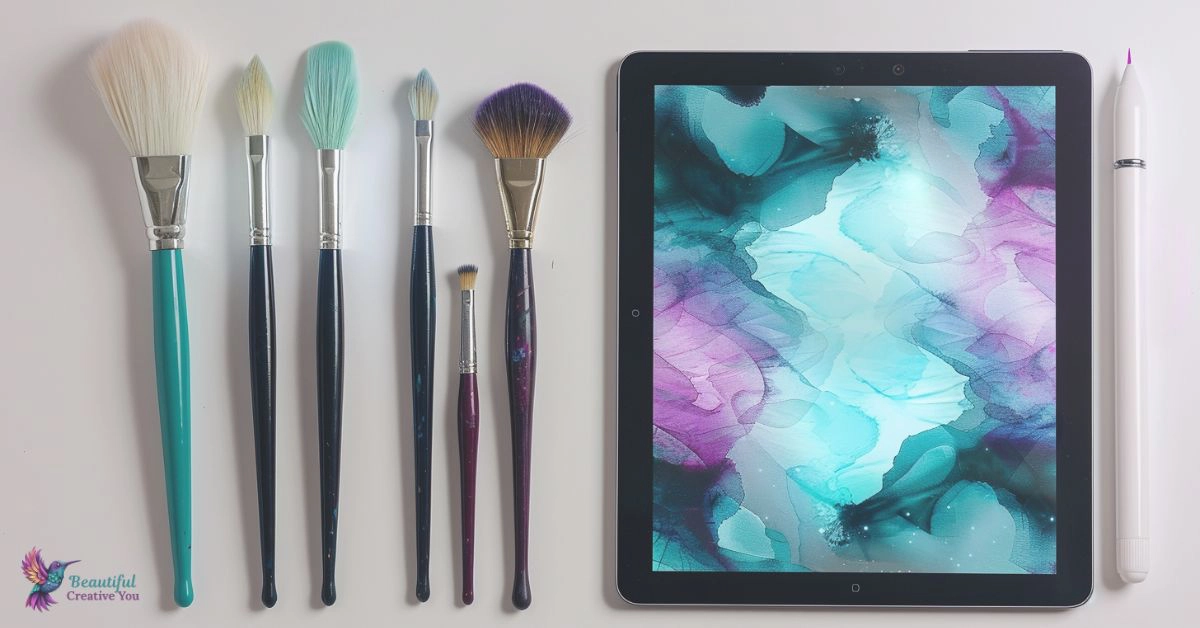
Every idea begins like this—pure color and movement waiting to take form. Think of it as the spark behind everything you create with AI. The tools may vary, but the heart of it all is still your imagination finding its way into the world.
These photo-realistic examples show how each tool handles light, realism, and detail. Again, the same prompt into each of our four AI image generators. MidJourney gives everything an artistic glow, Ideogram keeps things clean and minimal, Canva focuses on balanced clarity, and DALL·E adds believable texture and warmth. The differences are small but powerful—each tool interprets “real” in its own way. With practice, you’ll learn which one brings your vision closest to life.
Every generator has its own rhythm, its own kind of magic. You don’t have to master them all—just start where you are, play, and follow your creative curiosity. The more you create, the more you’ll discover that the real art isn’t just in the image—it starts with your words and manifests in the spark that comes from bringing your ideas to life.
Before we dive into the steps, if you’re just getting started, my MidJourney 101 AI Image Checklist will help you get comfortable with the basics before you dive in.
🌿 Step 1: Find Your Fit — Choosing the Right AI Image Generator
Think of AI tools like creative friends — each one has its own vibe.
Some love fine details, some prefer clean lines, and some can’t resist adding glitter.
You don’t need to learn them all. You just need to meet the one that fits your current project and build and grow from there.
Here’s a quick guide to help you pick your creative match:
| If you want to create… | Start with… | Why it fits |
|---|---|---|
| Clipart, illustrations, coloring pages, or stickers | Ideogram or MidJourney | Ideogram gives clean, isolated images with white backgrounds and minimal clutter — perfect for printable art or stickers. MidJourney brings a little more magic, depth, and variety if you want artistic flair. |
| Logos or icons | Ideogram (for text) or MidJourney (for symbol-only designs) | Ideogram creates beautiful styled lettering. If you want a logo without words, try “simple emblem logo of hummingbird, no text, flat vector style, white background.” |
| Book covers or social graphics | MidJourney or Ideogram for the art, then Canva to pull it all together | Use AI to create your imagery, then add your title and layout in Canva. Canva isn’t the only tool for finishing work, but it’s one of the easiest once you understand it. If you like advanced editing or batching later, Affinity Designer and Affinity Photo are great creative companions. |
| Photo-real people, products, or lifestyle mockups | ChatGPT’s image generator (DALL·E 3) or MidJourney | Great for realistic faces and (well, sometimes) hands. Add “isolated on white background” for clean product shots or “bright natural light, cozy desk scene” for lifestyle images. |
I like to think of it this way:
AI creates the art. Canva makes it look finished.
💡 Step 2: Talk to Your Tool — Making Your Prompts Work
Here’s the truth most beginners miss:
The generator matters — but your words matter more.
Prompts are just creative directions you give the tool. The clearer your words, the closer you get to what you imagine.
Think of it like setting goals or intentions — the more specific you are, the more aligned your results will be. Anything you leave out will get filled in, but not always the way you’d like. That’s especially true for AI prompts — both image and chat.
These are examples — modify them with the specifics (colors, lighting, mood) you envision while keeping the foundation of these suggestions.
| Goal | Try a prompt like… |
|---|---|
| Clipart, icons, or stickers | “flat icon style, white background, minimal details, pastel colors (or the color style you have in mind), isolated object” |
| Illustration or picture-book look | “children’s storybook image, watercolor or crayon style, gentle light, character-centered, white background” |
| Logo with styled text | “simple emblem logo with elegant lettering, centered composition, clean white background” |
| Logo without text | “simple emblem logo of [object], no words, vector style, white background” |
| Book cover scene | “fantasy hero standing in misty forest, cinematic lighting, book cover composition, space for title text” |
| Photo-real mockup | “woman holding mug at desk, bright natural light, realistic photo style, isolated on white background” |
Don’t overthink the jargon. The goal isn’t perfect prompts — it’s experimenting until the image feels like you.
And trust your gut to know when enough is enough.
Perfection is the rabbit hole where finished projects go to hide. 🐇✨
🌸 Step 3: Try One Thing – Your Weekly Challenge
Pick one small idea — a flower icon, a cozy mug, your favorite word or quote (be sure to put your text in “quotation marks” so the generator knows that’s what you want in your image).
Choose one AI tool from the chart and one of the phrases above.
Then see what happens when you mix curiosity with clarity.
You might surprise yourself with how quickly it clicks once you stop chasing “perfect” and start playing.
Once you’ve seen how to match your project type with the right tool, it helps to look at a few real-world examples. Each of these shows how different AI image generators interpret the same idea — and how the mood or realism can shift from one to the next.
🌅 One Idea, Four AI Interpretations
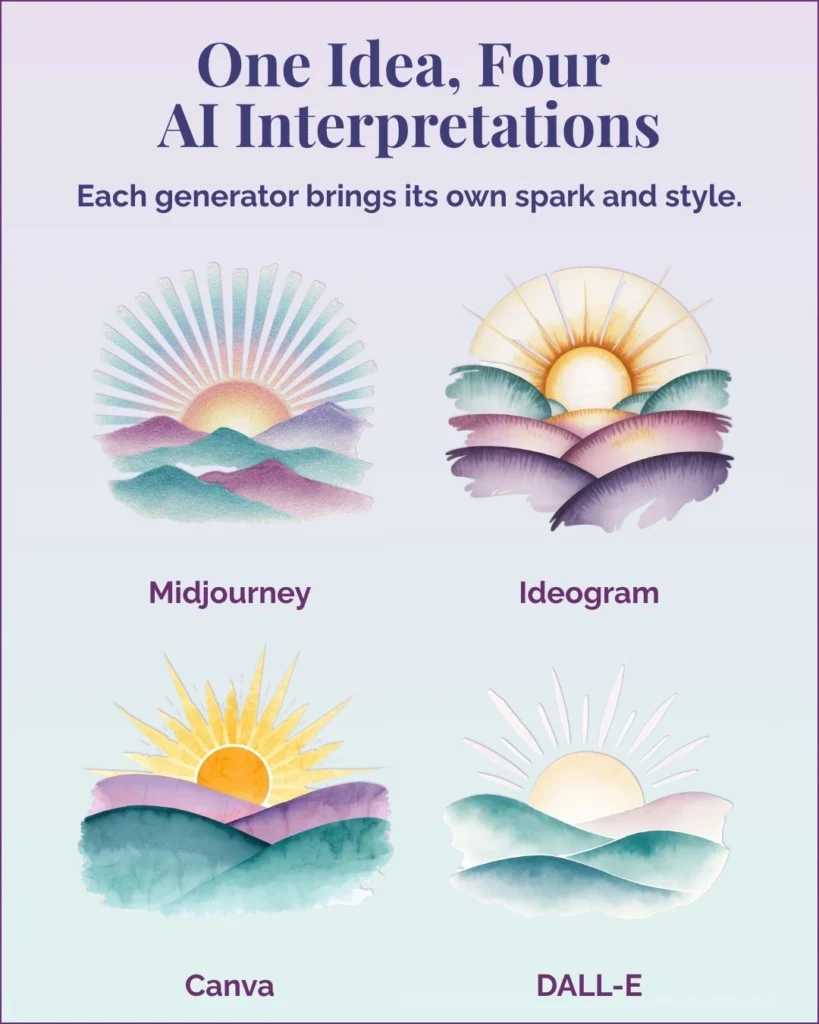
Here’s the same creative prompt—a rising sun over soft hills—run through four generators. The shapes and colors may look similar, yet each image has its own mood and movement. That’s the subtle magic of AI art: even with the same words, each tool brings its own rhythm and energy. As you work with them, you’ll start to sense which generator feels right for each type of project.
You can probably already see how this plays out when your goal is realism instead of illustration or design. Some tools excel at dreamy, artistic textures; others shine when you want detail, light, and something that feels almost tangible.
📸 The Human Side of AI Creation
The more you explore, the more you’ll notice that realism has its own kind of artistry. Some AI tools capture light and texture so beautifully you can almost feel the warmth of a morning workspace. Others keep things crisp and clean, leaning toward that minimal, modern design look.
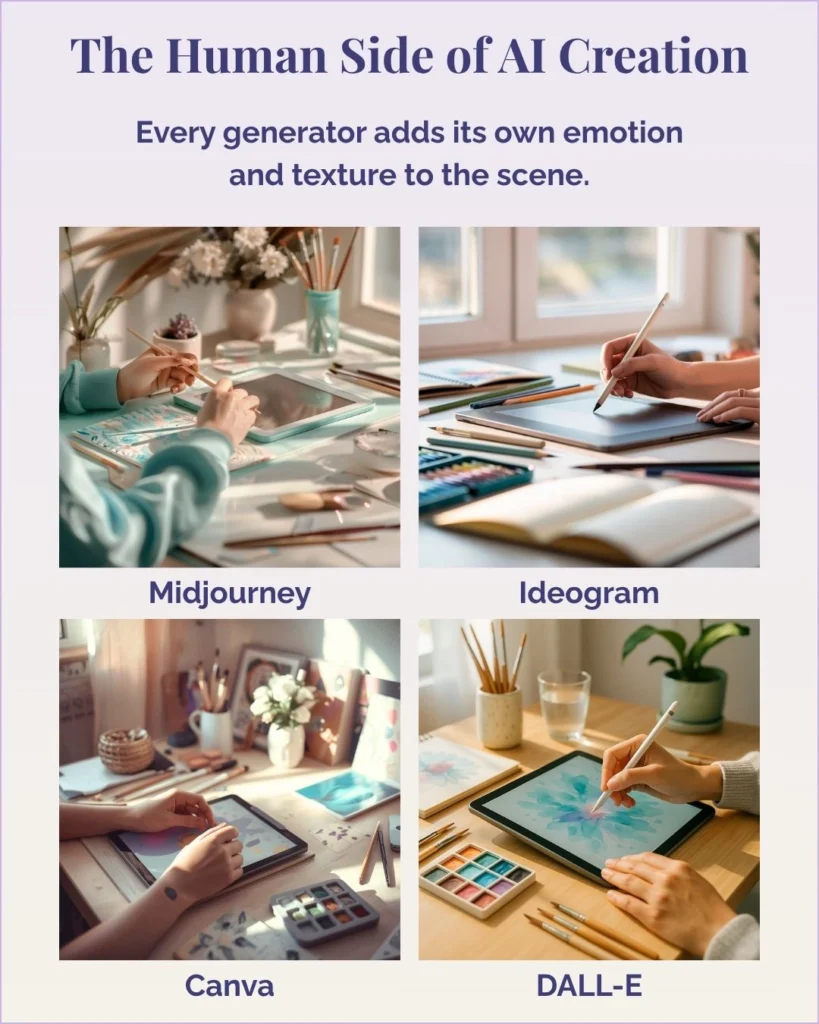
These photo-realistic examples show how each tool handles light, realism, and detail. Again, the same prompt into each of our four AI image generators. MidJourney gives everything an artistic glow, Ideogram keeps things clean and minimal, Canva focuses on balanced clarity, and DALL·E adds believable texture and warmth. The differences are small but powerful—each tool interprets “real” in its own way. With practice, you’ll learn which one brings your vision closest to life.
Every generator has its own rhythm, its own kind of magic. You don’t have to master them all—just start where you are, play, and follow your creative curiosity. The more you create, the more you’ll discover that the real art isn’t just in the image—it starts with your words and manifests in the spark that comes from bringing your ideas to life.
🕊️ A Bit of Wisdom
“Creativity grows through curiosity, not perfection.”
💬 A Final Word (And a Gentle Nudge)
You don’t have to become an expert overnight — just a little braver today than you were yesterday.
Every image teaches you something new: how to describe what you want, how to trust your instincts, how to stop editing long enough to hit save.
Modern AI image tools aren’t here to replace your creativity — they’re here to help you see it in color.
Whether you’re dreaming of clipart, logos, book covers, or printable projects, it all starts with learning which brush to pick up first.
And the best part? You already have what you need — your imagination, curiosity, and a few words to get started.
Every new image is proof that creativity grows when you give yourself permission to play.
Here’s to making magic,
Terre | Beautiful Creative You
✨ What I’m Working On
Behind the scenes, I’m creating two guided projects that bring all of this to life — the New Beginnings Mini Deck for absolute beginners, and From Prompt to Printable: Clipart Edition for those ready to explore clipart and design more deeply.
Both will be available during my Black Friday event, just in time to start your next creative chapter.
Let’s stay connected!
I’d love to cheer you on and share even more creative sparks with you:
- Join the conversation in my free Facebook group: Beautiful Creative You Community
- Follow me on Facebook
- Follow along on Instagram
- Find fresh ideas on Pinterest
✨ Come say hi — I’d love to see what you’re creating.