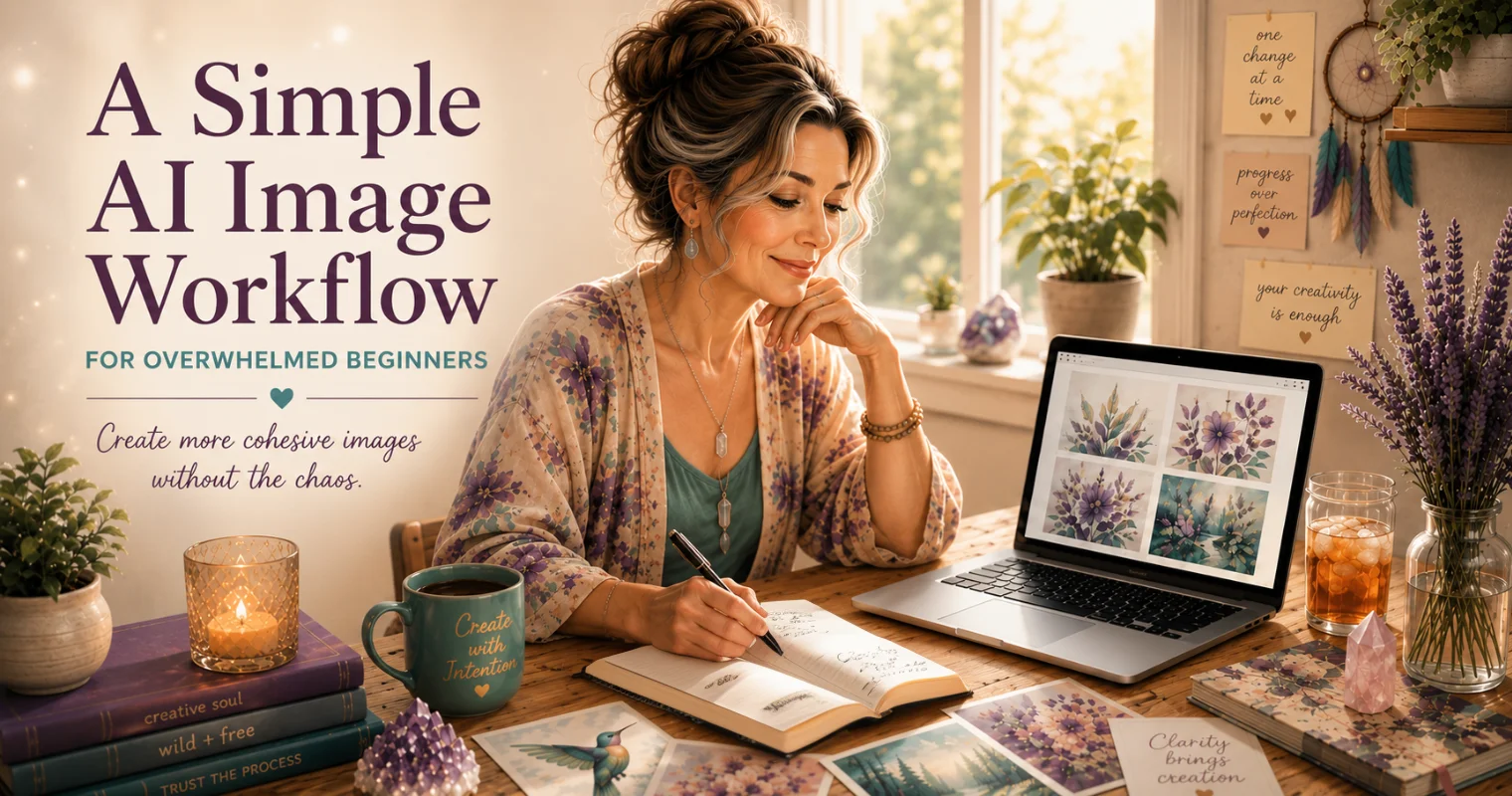
AI image creation is exciting, and yet, without a simple AI image workflow, it can go off the rails pretty quickly.
One minute you're experimenting with prompts, getting inspired, and feeling the magic as these amazing images show up on the screen.
The next, you have hundreds of images, five open generators, disconnected styles, random downloads, folders full of images, too many ideas, and absolutely no idea what to do with it all.
Most beginners aren't struggling because they lack creativity. They're struggling because there are simply too many possibilities.
There are too many prompts, too many generators, too many styles, too many directions, and too many decisions happening all at once. And that just results in too many images and too much to do.
At some point, endless experimentation stops feeling inspiring and starts to feel mentally cluttered.
Then another layer creeps in:
“I have to pick the perfect image.”
But by that point, it can start feeling like trying to find a needle in a haystack.
And honestly, that’s where the chaos starts.
That’s where a simple AI image workflow can make a huge difference.
Not a rigid system.
Just a calmer, more intentional way to create.
If you’ve ever looked at a folder full of AI images and thought, “None of these actually go together,” you’re not alone. Most beginners don’t have a creativity problem — they have a workflow problem.
Why AI image creation starts to feel random fast
AI image creation starts to feel overwhelming because we start changing too many things at once.
One word changes.
Then the style changes.
Then the colors change.
Then we switch generators.
Then we try a completely different mood.
At some point, we’re no longer getting clarity in the image — we’re just getting a different image.
And that can become a slippery slope that starts the brain spinning.
One of the best things you can do is change only ONE thing at a time.
That way you can actually see what improved the image, what made it worse, and what direction is starting to work.
Spot the one thing that makes an image feel off
Another thing that happens is we think we can take a prompt that isn’t working well into another generator and suddenly get perfection.
Now, there ARE times when moving a prompt into another generator makes sense because each generator has its own flavor and strengths. Some naturally handle certain styles or image types better than others.
But when we start creating some images in one generator, some in another, and some in another, it becomes much harder to create images that feel like they belong together.
Another thing that takes us off track is not knowing how we want to use the image.
If we don’t know what the image is FOR, we often just keep endlessly generating images.
And that’s perfectly fine if all you want to do is create pretty images.
But if you eventually want to create something that feels intentional, connected, or complete, then having a little direction beforehand helps tremendously.
Without a starting point, stopping point, or a few guardrails and guidelines, AI image creation can quickly turn into digital clutter.
(Especially for those of us with slightly spicy creative brains that love chasing every shiny new idea. 😄)
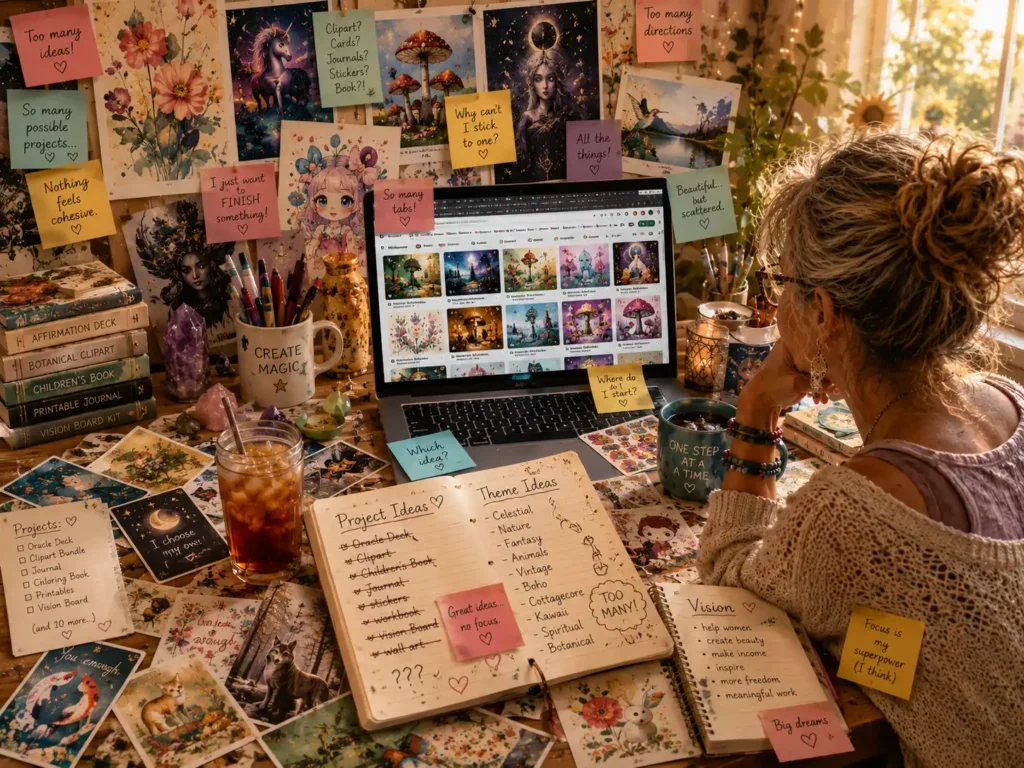
You get one image that’s almost right…
so you try one more variation…
and one more…
and one more.
Ask me how I know. 😄
Direction doesn’t limit creativity the way many beginners fear — it actually gives creativity somewhere to land.
Eventually, it can become easy to lose track of the images we liked best because there are simply too many images and they all start looking alike.
And sometimes the overwhelm gets so loud that we stop creating altogether for a while — not because we lost interest, but because our brains simply got overloaded.
The problem usually isn’t a lack of creativity.
It’s a lack of structure and direction.
Beginners usually don’t think:
“I need more consistency.”
They think:
“Why do all my images suddenly feel random and disconnected?”
Start with one clear direction before you generate anything
Not ten ideas. One.
Before you make a single image, choose a direction that gives your session a little shape. That doesn't mean locking yourself into a rigid plan. It means giving your brain enough information to recognize what belongs together.
Without that, every new image feels like a new decision. And too many decisions are what make the whole thing feel heavier than it should.
Ask what the image is for, not just what it could be
Before creating your images, ask yourself:
- What am I trying to create?
- What feeling or style belongs here?
- What kind of visual direction am I drawn toward?
- How do I want to use these images?
Examples might include:
- botanical journal pages
- cozy watercolor animals
- celestial textures
- vintage garden clipart
- quote backgrounds
- whimsical stickers
- soft wall art
- social graphics
The important thing is creating enough direction for your brain to begin recognizing what belongs together.
That’s where visual consistency begins.
If deciding what to create feels overwhelming all by itself, my free Turn Your Idea Into Something bot can help you explore directions and narrow things down before you start generating images.
And if creating prompts themselves feels overwhelming, this is exactly why I created the free AI Image Prompt Generator. It walks you through style, subject, mood, and intended use and writes your image prompt, so you’re not staring at a blank prompt box trying to figure everything out.”
Make style choices early so your images feel connected
This is where many beginners accidentally create chaos.
If every image uses:
• different colors
• different moods
• different artistic styles
• different levels of realism
…it becomes very difficult for the images to feel like they naturally belong together.
Beginners usually don’t think in terms of style consistency — they just know the images suddenly feel random.
Focus on consistency before chasing perfection
It’s also important to realize that this is not about choosing your forever style.
It’s about choosing the best style for the intended outcome.
For example:
- watercolor vs realistic
- earthy vs bright
- elegant vs whimsical
- outlined stickers vs painterly graphics
The clearer your style direction becomes, the easier the workflow gets.
A simple AI image workflow starts with smaller batches
One mistake many beginners make is creating too many images too quickly.
Instead of generating 75 random variations, try creating a much smaller first batch.
Maybe:
2–6 images.
Smaller batches make a simple AI image workflow much easier because they help you:
- compare images
- recognize patterns
- notice what’s working
- reduce overwhelm
- create visual consistency
Small, intentional workflows make it much easier to create image collections that eventually become real finished projects instead of scattered experiments.
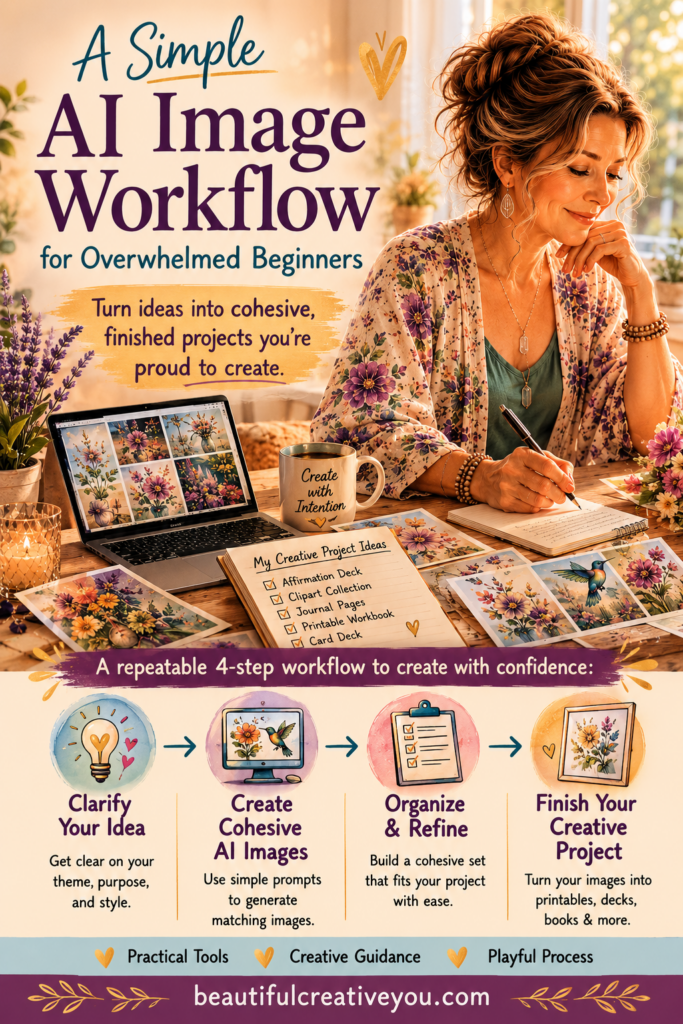
A simple AI image workflow gives beginners a calmer and more repeatable way to create.
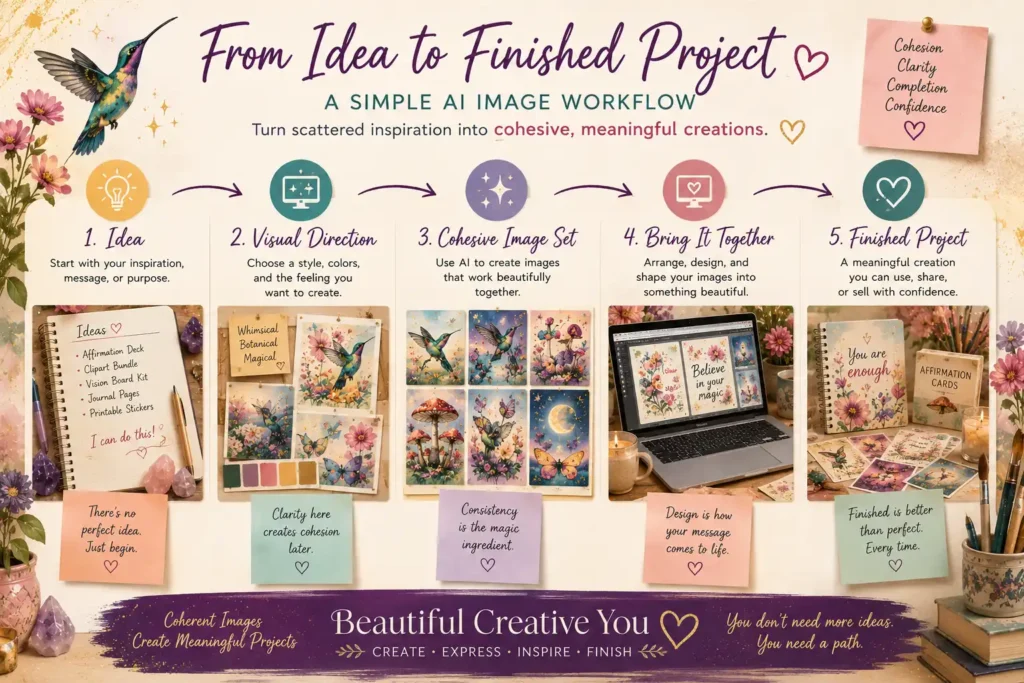
Too many images at once often create overload instead of clarity.
And thankfully, creating more intentional image collections doesn’t need to be complicated.
Compare your images side by side before creating more
This is where the magic starts happening.
Once your images are sitting side by side, you begin noticing:
- what fits
- what feels off
- what colors repeat naturally
- what style belongs
- what energy feels connected
And then you'll notice that:
- direction appears
- problems appear
- clarity appears
- consistency starts developing
Clarity often shows up once images are sitting beside each other — not while they’re still floating around separately in your imagination.
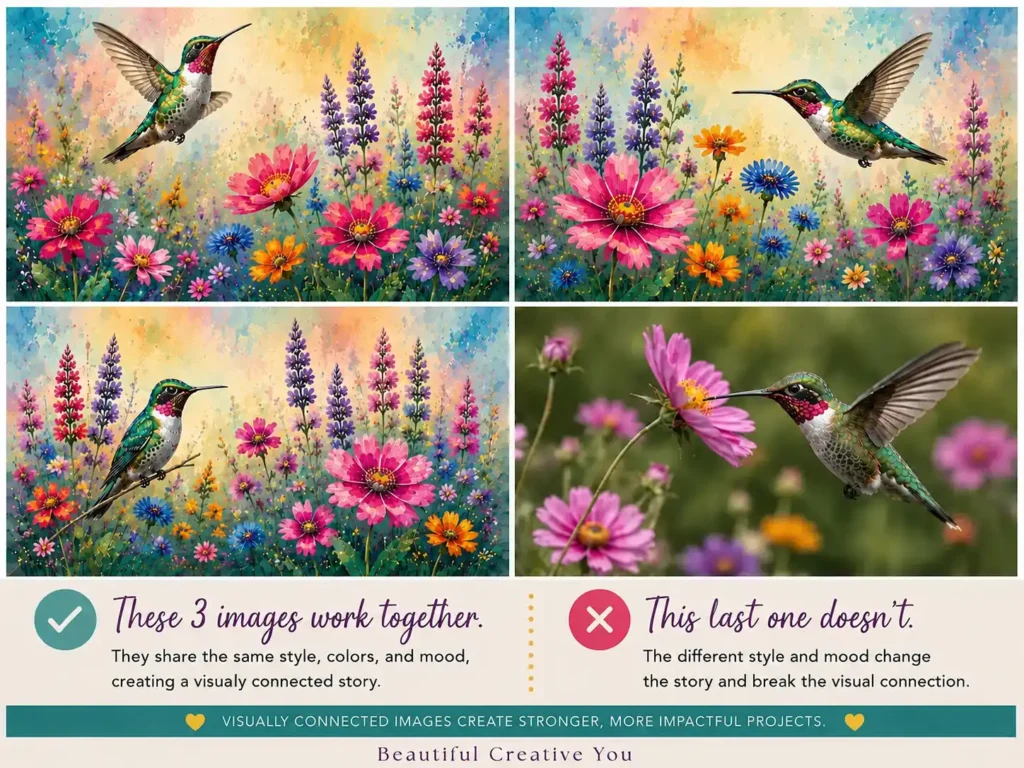
You may notice repeated colors, similar shapes, or a shared softness that feels right. You may also spot the obvious no's faster than expected. That's helpful too.
This is often the moment the process starts feeling intentional. Not perfect, just clearer.
Refine one thing at a time instead of starting over
Instead of constantly starting over, begin refining intentionally.
And again:
change only ONE thing at a time.
If you change:
- prompts
- colors
- style
- composition
- energy
- mood
all at once, you won’t know what actually improved the image.
You’ll simply have a different image instead of learning what actually helped the image improve.
This is where prompt refinement becomes much more powerful than endlessly generating brand new ideas.
If prompts themselves still feel overwhelming, I’ve also shared a simpler way to approach prompt writing in my post: “How to Create AI Image Prompts Without Starting From Scratch.” It’s designed to help beginners stop staring at a blank prompt box and start creating with a little more clarity and confidence.
Small adjustments usually create stronger image collections than constantly chasing entirely new directions.
Save, organize, and refine only the images you actually love
This is one of the least glamorous parts of AI image creation…
but honestly, it matters a lot.
Use:
- favorites folders
- project folders
- intentional downloads
- renamed files so you know what the image is
Delete or hide weak images when possible.
Otherwise everything starts blending together and it becomes difficult to find the images you actually loved.
And if your generator has a “favorites” option, use it thoughtfully.
(Yes… there IS such a thing as favoriting too many images too. 😄)
This is also where:
- upscaling
- editing
- Canva cleanup
- refinements
- variations
become useful.
Not every image needs the full treatment.
Future-you will be very grateful for even a small amount of organization.
How a simple AI image workflow helps you finish more projects
A calmer AI image workflow creates:
- fewer decisions
- less overwhelm
- clearer direction
- visible progress
- stronger visual consistency
- more intentional images
And honestly, AI image creation becomes much more enjoyable when it stops feeling chaotic.
You do not need:
- thousands of images
- endless prompt experiments
- five generators open at once
- perfectly polished systems
Sometimes you simply need:
- one clear direction
- a smaller batch
- a little refinement
- and a calmer workflow.
Because AI image creation becomes much more enjoyable once your creativity stops fighting against overwhelm.
If you’ve ever wondered why so many AI image ideas never seem to become finished projects, you’re definitely not alone. I talk more about that in “Why Your AI Image Projects Don’t Get Finished (And How to Change That)” because overwhelm, decision fatigue, and endless experimentation are often a much bigger part of the problem than lack of creativity.
Tiny Creative Challenge
If your brain is currently juggling seventeen creative ideas at once 😄, my free AI Image Prompt Generator can help simplify the process and make prompting feel much less overwhelming.
And if you’re still trying to figure out what you even want to create in the first place, the Turn Your Idea Into Something bot can help…
Before your next AI image session:
- choose ONE direction
- create only 2–6 images
- compare them side by side
- refine ONE thing at a time
Then notice how much calmer and clearer the process feels.
“Creativity flourishes when inspiration has just enough structure to keep it from turning into chaos.”
Sometimes the difference between unfinished ideas and meaningful creative projects is simply having a calmer, clearer way to begin.
Here's to making magic,
Terre 💜
Beautiful Creative You
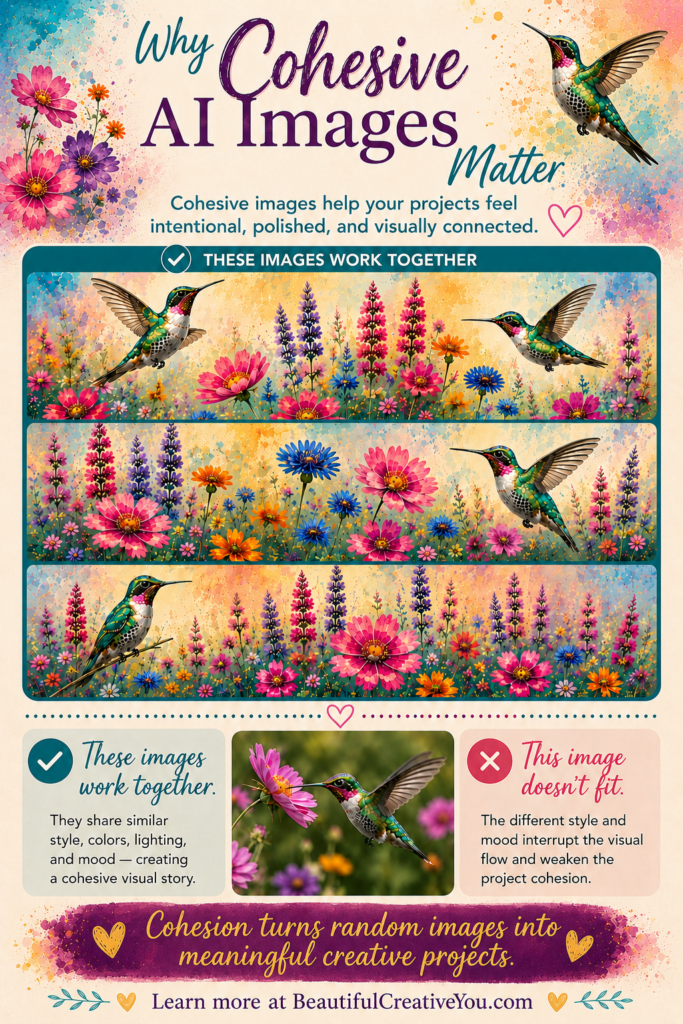
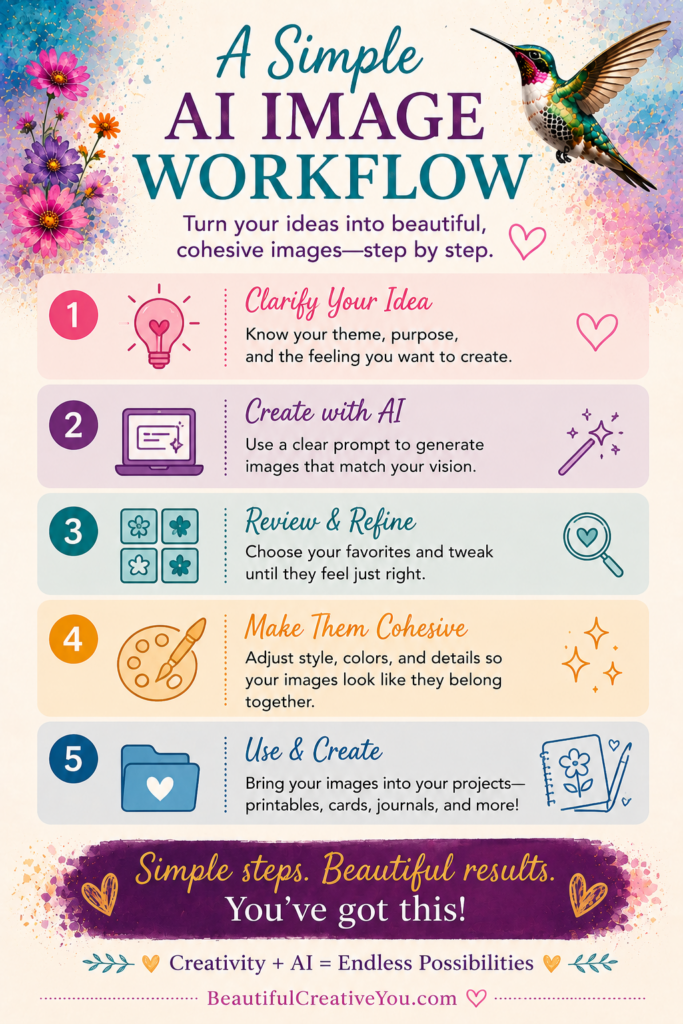
📌 Save this for later
If you’d like to save these tips for later, feel free to pin your favorite image below to Pinterest.
✨ Does creating the image sometimes take longer than creating the thing you needed the image for?
If you’ve ever felt stuck staring at a blank prompt box, you’re not alone.
I made a little free AI Image Prompt Generator for exactly that. Tell it what you want to create, and it helps turn the idea into a ready-to-use prompt.
💜 Let’s stay connected!
I’d love to cheer you on and share even more creative sparks with you:
- Join the conversation in my free Facebook group: Beautiful Creative You Community
- Follow me on Facebook
- Follow along on Instagram
- Find fresh ideas on Pinterest
🌟 Come say hi — I’d love to see what you’re creating.