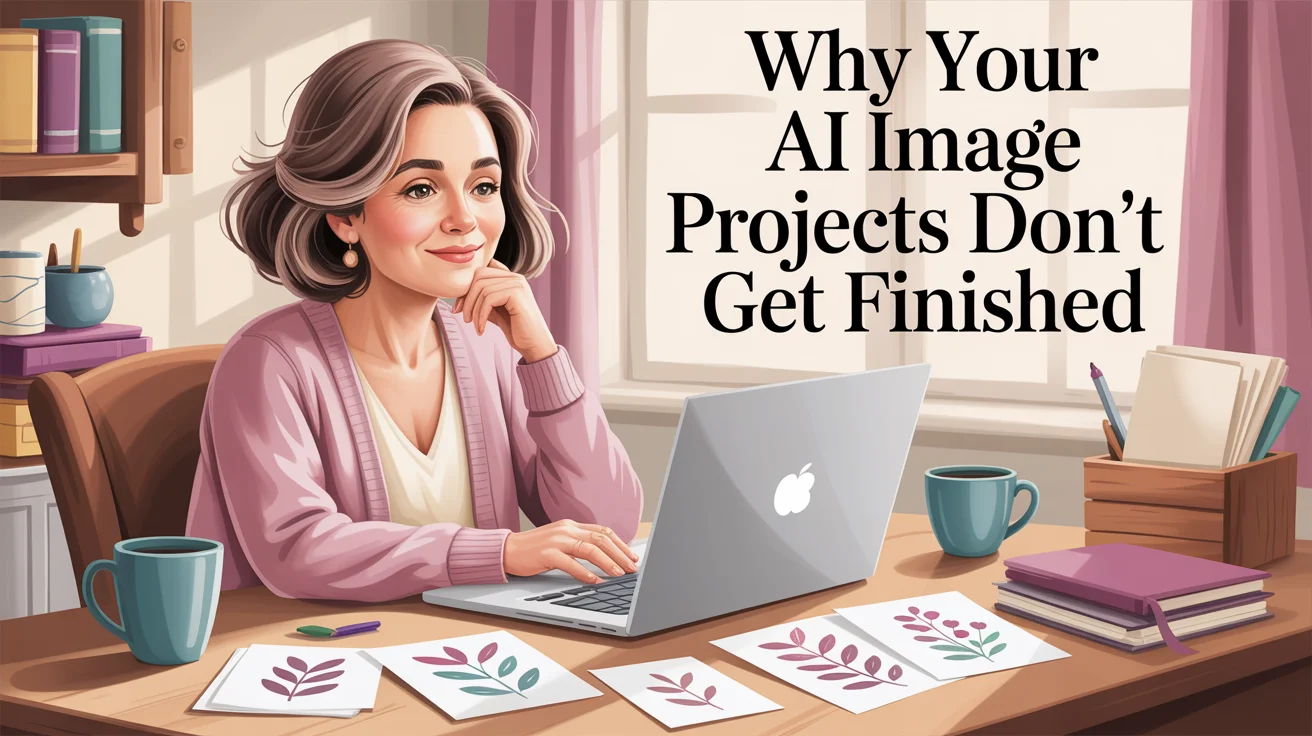
You are not the only one with a folder full of beautiful AI images and half-finished ideas, wondering why your AI image projects don’t get finished.
The real problem? You’re creating images without a clear project to turn them into something finished.
A lot of creative women hit the same wall. You've created images, you've had flashes of excitement, and then… nothing. Not because you're lazy. Not because you're bad at this. Often, it's because you're not quite sure what to do with AI images once they exist.
That is the part no one talks about enough, and it's usually the reason the project stalls.
At some point, the question shifts from “how do I make this?” to “what do I do with it now?”
Why your AI image projects don't get finished, and why it's not what you think
Most unfinished AI image projects don't die because of a lack of ideas. If anything, the problem is the opposite. There are too many ideas, too many directions, too many pretty possibilities.
That can feel like a discipline problem.
It usually isn’t.
It’s a project problem.
It's not your creativity, and it's not the tools
You can be full of ideas and still get stuck.
You might even have good taste, good instincts, and a decent grasp of prompting—and still end up with a digital pile of images that go nowhere.
That happens because making images and making a project are not the same thing.
A tool can give you output. It cannot decide what you're building. It cannot tell you whether those images belong in a card deck, a printable, a sticker sheet, or nowhere at all. So you keep generating, because generating feels like movement.
Sometimes it even feels productive enough to count as progress. Annoying, but true.
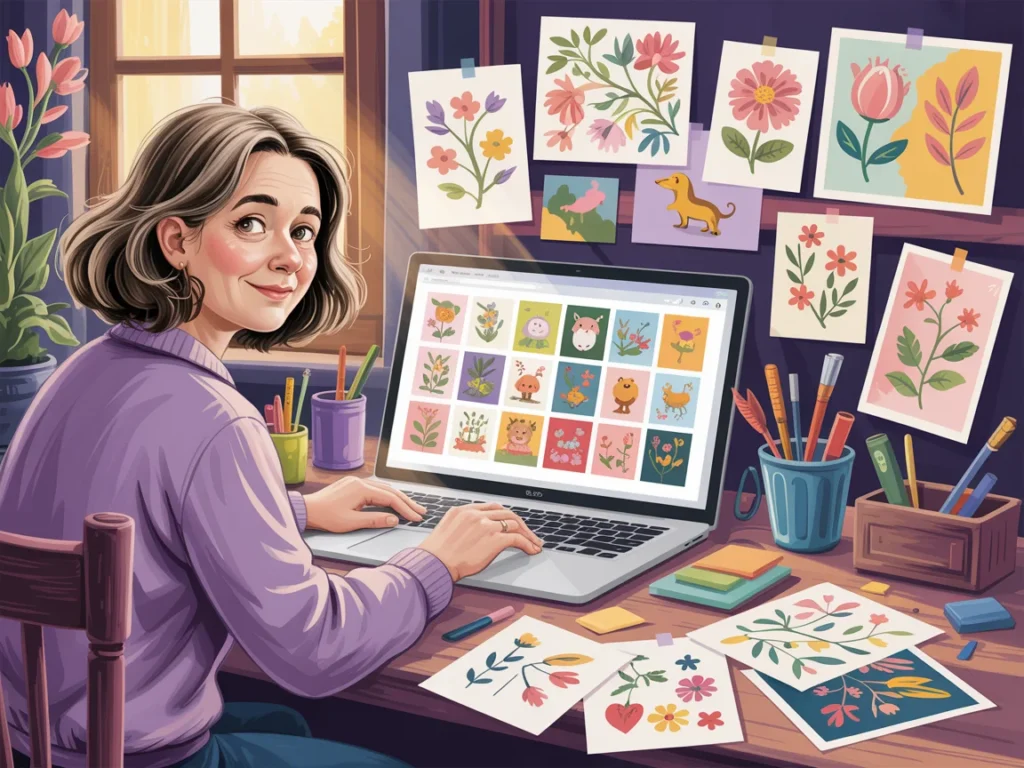
The real problem is no clear project, no clear finish line
When there is no specific outcome, there is no natural stopping point. You don't know how many images you need, what they should look like together, or when you're done.
So the project stays open. Wide open.
\
When there’s no finish line, everything stays open
You tweak prompts. You test styles. You save options. You make “just one more version.” Before long, you've spent an hour making variations of a concept that was never attached to a real plan.
Pretty images are not the same as a finished project.
If you want to understand why AI image projects don't get finished, start there. The deeper issue is not talent. It's that random images were created before the project itself was chosen.
What most people do instead when they don't know what to do with AI images
This part will probably feel familiar.
You open your generator. You type a prompt. You adjust a few words. You save two or three images you like. Then a new idea shows up and suddenly you're making mushrooms, or angels, or vintage teacups, or a moody forest scene for no reason you can explain.
No shame here. This is common.
If you’re still figuring out which tool to use, this guide to choosing the right AI image generator can help you avoid unnecessary confusion.
Creating without direction feels productive, but it rarely leads anywhere
Experimenting has a place. It helps you learn what styles you like and what kinds of prompts get better results. But experimenting is not the same as building.
Sometimes there’s also a quiet hesitation—wondering if what you’re making is “good enough” or worth finishing—but even that tends to get louder when there’s no clear direction.
If the images are not connected to something bigger, they don't create momentum. They create collection.
That is why you can spend a whole afternoon making images and still feel like you have nothing to show for it. The images may be lovely, but lovely is not a format.
A project has shape. It becomes something. Maybe it's a printable, a card set, a sticker sheet, a small clipart bundle, or one piece of wall art you want to hang or sell. Once there is a container, the work starts to make sense.
When every image is different, nothing starts to come together
Without a plan, your style shifts every few prompts. The colors drift. The mood changes. The subjects stop relating to each other. One image looks soft and hand-painted, the next looks glossy and dramatic, and the third looks like it wandered in from another century.
That doesn't mean you're doing it wrong. It means you started with image-making instead of project-making.
A finished set needs some kind of visual agreement. The images need to feel like relatives, not strangers forced into the same folder. If your images keep feeling disconnected, some of the same beginner issues show up in 5 beginner AI clipart mistakes to avoid, especially around consistency and style planning.
Once you see the pattern, it gets easier to change it.
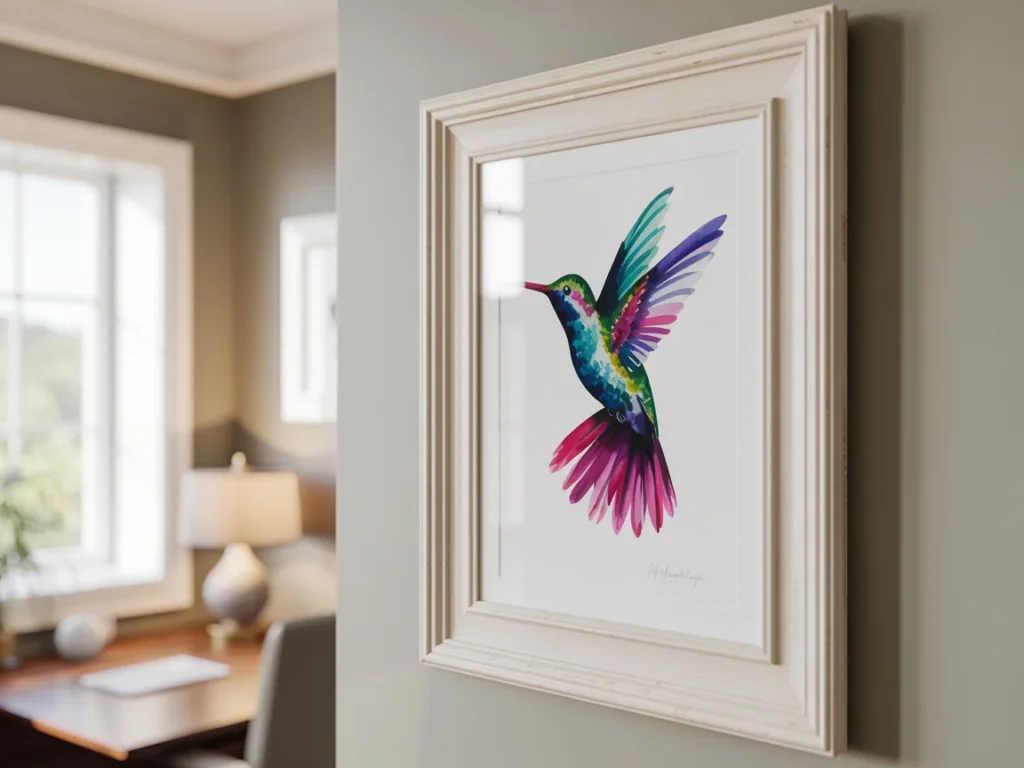
The shift that helps you finish creative projects
The simplest change is this: start with the project, not the prompt.
That sounds small, but it changes almost everything. It gives your images a job. It gives your decisions a filter. It gives your brain a finish line, which is useful when your brain would otherwise like to redecorate the entire internet.
Start by deciding what you're making before you write a single prompt
Before you generate anything, make three decisions:
- Decide what the project is.
- Decide where it will be used.
- Decide what it needs to look like to work.
That's it. Not a giant business plan. Not a color-coded notion board with seventeen tabs.
Maybe you're making one printable wall art piece. Maybe it's a five-card affirmation set. Maybe it's a five-piece sticker sheet, or a tiny clipart set with matching flowers. Whether you're creating something simple in Canva or building a printable from scratch, having a clear project makes the whole process easier.
Give each image a job so your prompts get easier
When each image has a role, your prompts get clearer fast.
Instead of “make something pretty with flowers,” you can prompt for “a soft watercolor rose for the front of an affirmation card set,” or “five matching spring florals for a sticker sheet with white space around each element.” Those are easier prompts because they point somewhere.
This is also why prompt writing feels so hard when the project is vague. You're trying to write directions with no destination.
Clear purpose also makes it easier to reject images. Not every pretty image belongs in the project. If it doesn't fit the job, it doesn't make the cut. That is not you being picky. That is you being the creative director of your own work, which sounds fancier than it feels in pajama pants, but still counts.
If getting started with prompts is part of what’s slowing you down, I do have a free AI image prompt generator that can help you create a clearer starting point instead of reinventing it each time.
Keep it small so you can actually finish
Most unfinished AI image projects are too big, too open-ended, or too fuzzy. “I'm making a whole collection” sounds exciting. It also gives your brain enough room to wander off and start twelve side quests.
Small projects finish. Big vague ones linger.
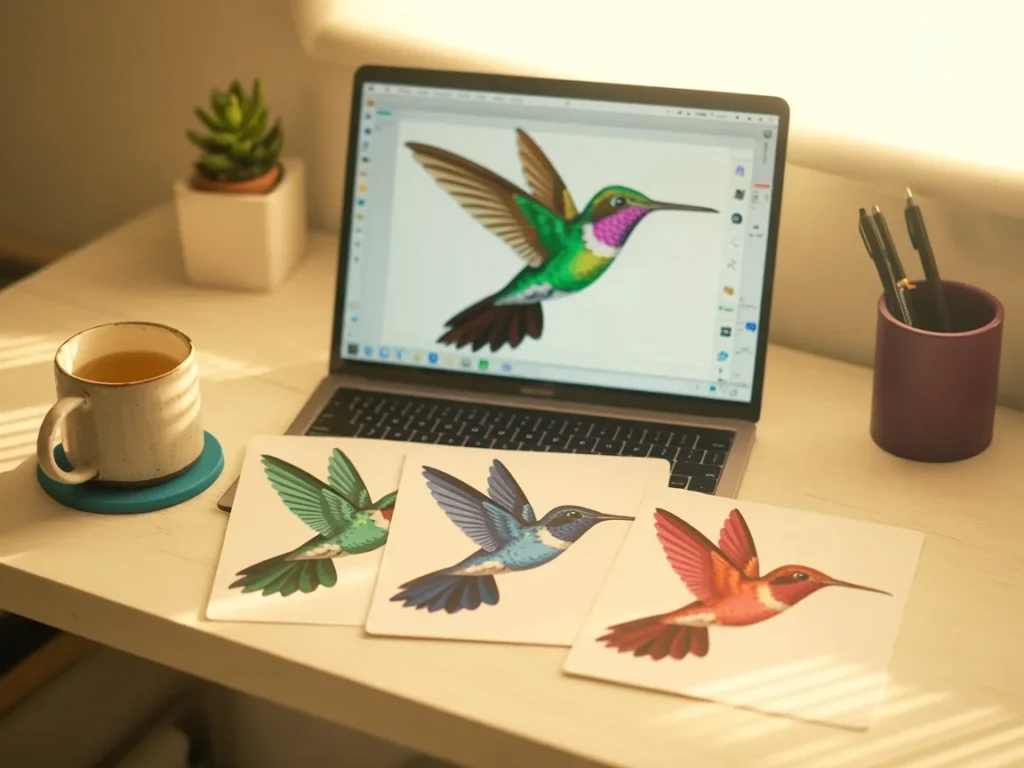
You do not need a big idea, you need a finished one
A finished first project can be tiny. One printable. One mini collection. One five-card set. One sticker sheet with a clear theme.
That small win matters more than people think.
Finishing gives you proof. It shows you that you can move from idea to completion. It also teaches you more than endless experimenting ever will, because finished work exposes what actually needs fixing.
Confidence doesn't usually arrive before the project. It tends to show up after you've completed one.
Try this simple plan when you feel overwhelmed
When your ideas are multiplying and your tabs are getting rude, use this:
- Pick one idea.
- Decide exactly what it will become.
- Create only the images that project needs.
- Ignore the other ideas for now.
That last step is not glamorous, but it works.
If you keep getting tangled in beginner habits, these common AI clipart errors for newbies may sound familiar. The fix is usually less about doing more and more about narrowing the job.
What changes when you work this way
Once you start with the project, the whole process gets calmer. Prompts become easier to write. Your images start relating to each other. You stop wondering if you're “doing AI right” and start asking a more useful question: does this help the project?
That is a much better question.
You stop collecting random images and start creating something real
This is where things begin to feel different, emotionally and practically.
Once you understand why AI image projects don’t get finished, it becomes much easier to change how you approach them.
You know what you're making. You know what belongs. You know when you're done. That last one is huge, because a lot of creative frustration comes from not having a finish line you can actually see.
Instead of generating random images and hoping a project appears later, you're building with purpose. You may still experiment, but the experimenting supports the work. It doesn't replace it.
And the result feels different too. Not because it's perfect, but because it exists. It's a finished printable. A small card set. A cohesive sheet of stickers. Something you can use, share, print, or sell. Something that didn't stay trapped in the idea stage.
That shift is why more AI image projects get finished. Not because you suddenly become more disciplined, but because the work finally has structure.
Now You Know Why AI Image Projects Don’t Get Finished—And How to Change That
If you’ve been kicking yourself for not finishing your AI image projects, now you know it’s not you.
It’s not a motivation problem, it’s a clarity problem.
So let’s turn this into action.
Pick one idea this week. Decide what it will become, then create only the three to five images needed to finish it.
That’s enough to build momentum. And to remind you that you’re not doing it wrong. You’re learning how to finish.
“You don’t need more ideas. You need one you’re willing to finish.”
Here's to making magic,
Terre 💜
Beautiful Creative You
✨ Does creating the image sometimes take longer than creating the thing you needed the image for?
If you’ve ever felt stuck staring at a blank prompt box, you’re not alone.
I made a little free AI Image Prompt Generator for exactly that. Tell it what you want to create, and it helps turn the idea into a ready-to-use prompt.
💜 Let’s stay connected!
I’d love to cheer you on and share even more creative sparks with you:
- Join the conversation in my free Facebook group: Beautiful Creative You Community
- Follow me on Facebook
- Follow along on Instagram
- Find fresh ideas on Pinterest
🌟 Come say hi — I’d love to see what you’re creating.