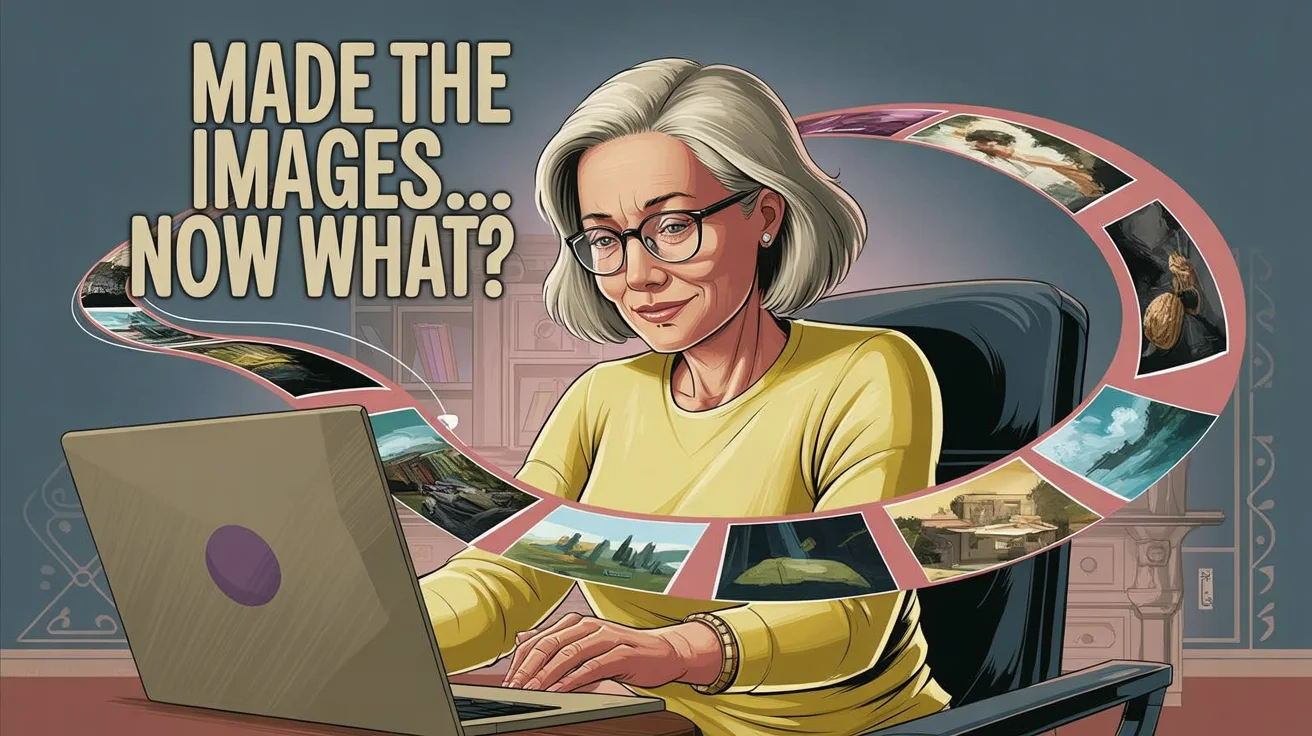
You make one image, then another, and before you know it, you have a whole folder full of images, and no idea what to do with them. If you’ve been wondering what to do with AI images after you create them, you’re not alone.
At first, that feels fun. It feels like motion. Then it starts to feel oddly heavy, because nothing is turning into a finished project. The images may be pretty, but they aren't going anywhere.
It’s almost like you’re locking them away in your own little creative vault… except no one ever gets to enjoy them that way.
That’s why what you do with AI images matters more than endlessly tweaking the prompt. Prompts still matter, of course, and if you need help with that part, this guide to AI image prompts for beginners is a helpful place to start. Still, prompts make more sense once the image has a job.
The real problem is not your prompt, it is the lack of a destination
When AI image results feel off, most people blame the wording. They change adjectives, add more detail, and try again. Then they try again. And again.
Sometimes that helps. Often, it doesn't.
The deeper issue is simpler. You are making images without knowing what they are meant to become. In other words, you are not choosing a destination before you start the drive. No wonder the route keeps changing on you.
This is the part many beginners miss when thinking about what to do with AI images. The prompt is not the whole picture. The use matters just as much, and often more.
You are not creating for anything, you are just creating.
It sounds harmless, but it creates three problems pretty quickly. First, your results become inconsistent because you keep chasing new ideas. Second, your standards keep shifting because there is no clear finish line. Third, your time gets eaten by images that never turn into anything usable.
A random image can still be lovely. But a lovely image with no purpose often ends up sitting in a folder, like fabric bought for a sewing project that never got cut.
Why making more images does not fix the problem of what to do with AI images
Making 20 versions of the same idea can feel productive. You see thumbnails piling up, and your brain says, “Look, we're doing something.”
But more images do not always bring more clarity. Sometimes they only create more choices, more comparison, and more noise.
Instead of feeling closer to a project, you feel buried under options. That’s not really momentum. It’s clutter dressed up as progress.
Guilty as charged on this one… that “just one more time” loop? It feels productive in the moment, but it’s usually where the time and energy disappear.
What changes when you decide the use first
Everything gets easier when you stop and ask, “What am I going to use this for?”
That one question changes the whole process. It shapes the size, style, layout, detail level, and even the mood of the image. It also helps you know when the image is good enough, because now you have a purpose to measure it against.
Once the use comes first, creative choices stop feeling random. They start working together.
Start with the project, then create the image to fit it
Instead of asking “what should I type into the prompt?” start with “what am I actually trying to make?”
That shift sounds small, but it changes everything. When you start with the project, your image choices become grounded. You are no longer making floating pieces. You are building parts of something real.
Maybe you want to make a printable for a journal page. That calls for calm visuals, room for text, and a layout that does not feel crowded. Maybe you want affirmation cards. Then you need art that feels cohesive across a set, not one dramatic image that steals all the attention. If you want a clipart set, each item needs clean spacing and a style that repeats well. If you need social graphics, the image must leave room for words or branding.
Those are all AI image ideas for projects, but they ask for different visual decisions. That is why using AI images for printables is not the same as making images for Instagram or a card deck.
A simple example helps. Picture a soft floral image. If it is for wall art, it can be full and detailed. If it is for a workbook page, it may need lighter edges and open space in the center. Same flowers, different job.
That is the heart of what to do with AI images. The image is not the project. It is part of the project.
A printable needs different choices than a social post
A printable often needs breathing room. It may be viewed up close, printed at home, and used with writing or other page elements. So spacing matters. Clean edges matter. A balanced layout matters.
A social post works differently. It needs a stronger focal point because people scroll fast. It may need a simpler background or a composition that can hold text without looking messy.
The intended use shapes size, layout, spacing, and visual focus. Once you see that, the image stops being abstract. It becomes useful.
Whether you’re using Midjourney, Ideogram, Artistly or another image tool, that part doesn’t change.
A card-ready image is not the same as a pretty image
This shows up a lot when people try to create clipart.
A beautiful image is not always a usable one. It may have awkward cropping, too much background detail, or no clear blank space. It may look charming on screen but fall apart once you try to place it on a card, planner page, or printable.
That is why composition matters so much. A card-ready image needs room to work with other elements. It needs a clean crop, steady proportions, and a style that can repeat across a collection. If you are running into this, these tips on creating cohesive AI clipart sets can save you a lot of trial and error.
Some images look nice because they are dramatic. Others work because they are clear. For products, clear usually wins.
Why random AI images feel so frustrating when you try to use them
Random images often disappoint later, even when they looked exciting at first.
One image is soft and painterly. Another is bold and flat. A third has a different angle, lighting, or mood. Each one may be fine on its own. Together, they feel like strangers sharing a folder.
That mismatch is hard on creative people because the mind wants unity. You can feel the project in your head, but the pieces on your screen do not match it. So you keep trying to fix the wrong thing. You tweak prompts when the real issue is that the set was never planned as a set.
This is where frustration starts to build. You are not lazy. You are not bad at this. You are trying to make a collection out of disconnected parts.
Nothing matches, so nothing comes together
Consistency matters when you want to make a set, collection, or product.
That means consistency in style, color palette, subject treatment, and format. If one image is front-facing and another is angled, the set feels shaky. If one is muted and the next is bright, the mood breaks. If sizes and crops vary too much, layout gets hard fast.
Small differences may not seem like much while generating. Later, they become the reason nothing looks finished.
Why unfinished images create more overwhelm than momentum
A folder full of disconnected images can feel heavier than an empty folder.
At least an empty folder has possibility. A full folder can feel like proof that you started many things and finished none. That creates mental clutter, and mental clutter makes it harder to begin again.
So the problem is not that you need more ideas. Most likely, you need fewer images with a clearer purpose.
A simple way to decide what to do with AI images before you generate them
This isn't meant to make things more complicated, it actually makes everything simpler.
Before you open the image tool, pause and run your idea through this three-question filter:
- What is this for?
- How many do I need?
- What style do I want?
That is enough. Not a giant planning system. Not a long checklist. Just three steady questions that help you choose before you generate.
Use this 3-question filter to guide every image session
This simple filter makes it much easier to decide what to do with AI images before you even start generating.
Ask what it is for. A single hero image needs one strong focal point. A 12-card set needs repeatable balance. A clipart bundle needs separation and consistency. Social graphics for one offer need room for text and a shared look.
Ask how many you need. One image is different from a set. If you need 12 cards, generate with repetition in mind. If you only need three matching graphics, keep the concept tighter.
Ask what style you want. Pick one lane and stay with it. Soft watercolor, clean hand-drawn, vintage collage, minimal flat art, any of these can work. What helps is choosing one and repeating it on purpose.
This small filter makes better decisions feel easier, not harder.
Pick one small project and create only 3 to 5 images
Start smaller than you think you should.
Choose one project, maybe three social graphics, four clipart pieces, or five affirmation card images. Then make only that small matching set. Not 40 random extras. Not “just in case” versions. Only the images the project needs.
That is also a gentle way to begin learning how to turn AI images into products. You do not need a huge collection. You need a small set that belongs together and can become something real.
When you create with purpose, your images start working together
Once your images share a use and a style, they get easier to refine, sort, and finish.
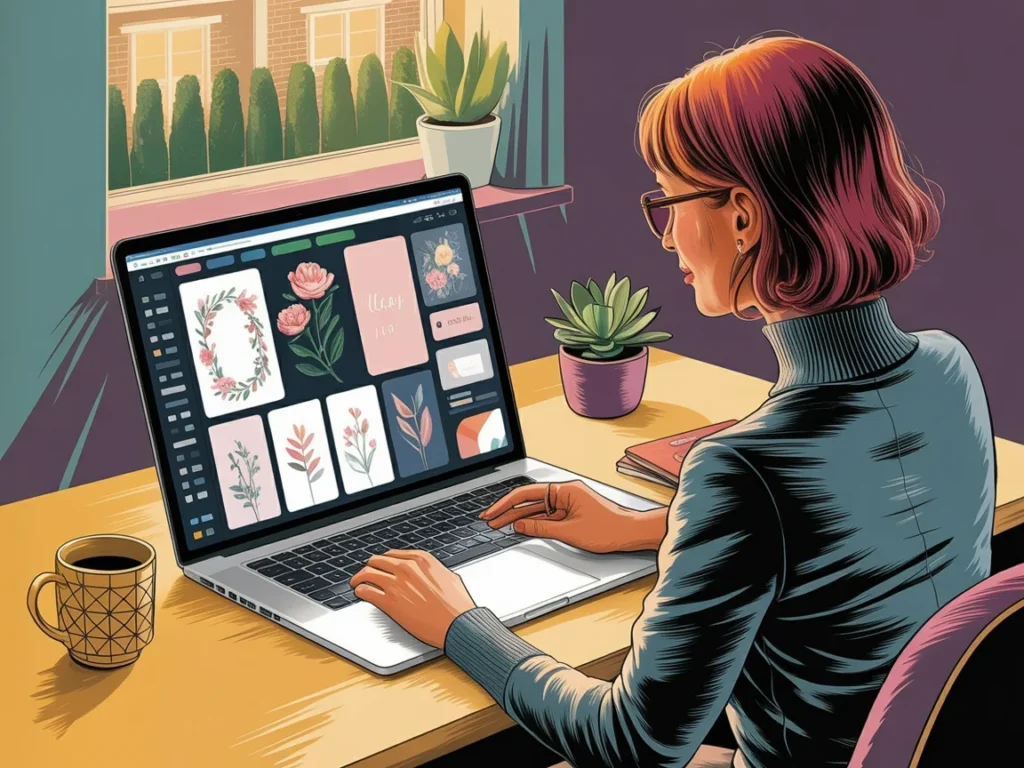
You can spot what fits and what does not. You can name files more clearly. You can build a deck, printable, bundle, or post set without forcing unrelated pieces into place. That is where calm shows up, because the project has shape now.
If you’ve ever felt stuck trying to get your images to work together, I created a simple free AI Image Prompt Generator to help with this, so you can focus on the idea and let the structure support you.
The point is not more rules. The point is less drift.
That is the shift. Not more prompting, but more intention. The best results usually come when you decide what the image is for before you create it.
Clarity beats more prompting. Small purposeful sets beat random image piles. So pick one idea, decide what it is for, and create three to five images around that purpose.
Then let yourself finish something. That is where the good part starts.
Take the next step and turn those images into something real.
“An image becomes useful the moment it belongs to something.”
You don’t need more images. You need a reason for the ones you’re creating. Start with one idea. Decide what it’s for. Then make just enough to bring it to life. That’s how this starts to feel less overwhelming… and a whole lot more meaningful.
Here's to making magic,
Terre 💜
Beautiful Creative You
✨ Does creating the image sometimes take longer than creating the thing you needed the image for?
If you’ve ever felt stuck staring at a blank prompt box, you’re not alone.
I made a little free AI Image Prompt Generator for exactly that. Tell it what you want to create, and it helps turn the idea into a ready-to-use prompt.
💜 Let’s stay connected!
I’d love to cheer you on and share even more creative sparks with you:
- Join the conversation in my free Facebook group: Beautiful Creative You Community
- Follow me on Facebook
- Follow along on Instagram
- Find fresh ideas on Pinterest
🌟 Come say hi — I’d love to see what you’re creating.
💜 Let’s stay connected!
I’d love to cheer you on and share even more creative sparks with you:
- Join the conversation in my free Facebook group: Beautiful Creative You Community
- Follow me on Facebook
- Follow along on Instagram
- Find fresh ideas on Pinterest
🌟 Come say hi — I’d love to see what you’re creating.
By the way, some links in this post may be affiliate links, which means I may earn a small commission if you choose to purchase through them (at no extra cost to you).