If you’ve ever had a clear idea in your head but froze when it was time to write the prompt, you’re not alone. An AI Image Prompt Generator can make this process much easier from the start.
A lot of beginners don't struggle with imagination. They struggle with translation. You can see the image, feel the mood, even know where you'd use it, but the moment you have to turn that into prompt words, your brain goes fuzzy.
The good news is this is fixable. You don't need perfect wording, art-school vocabulary, or a 47-line prompt that makes your eyes cross.
Why prompt writing feels harder than the picture in your head
The strange part is that the image idea often comes first, and it comes fast. You know you want soft florals, vintage kitchen clip art, a moody portrait, or a clean printable border. The hard part is turning that into a prompt that an image generator can understand.
Your brain is holding a whole scene at once. The prompt box wants details in pieces. That's where the friction starts.
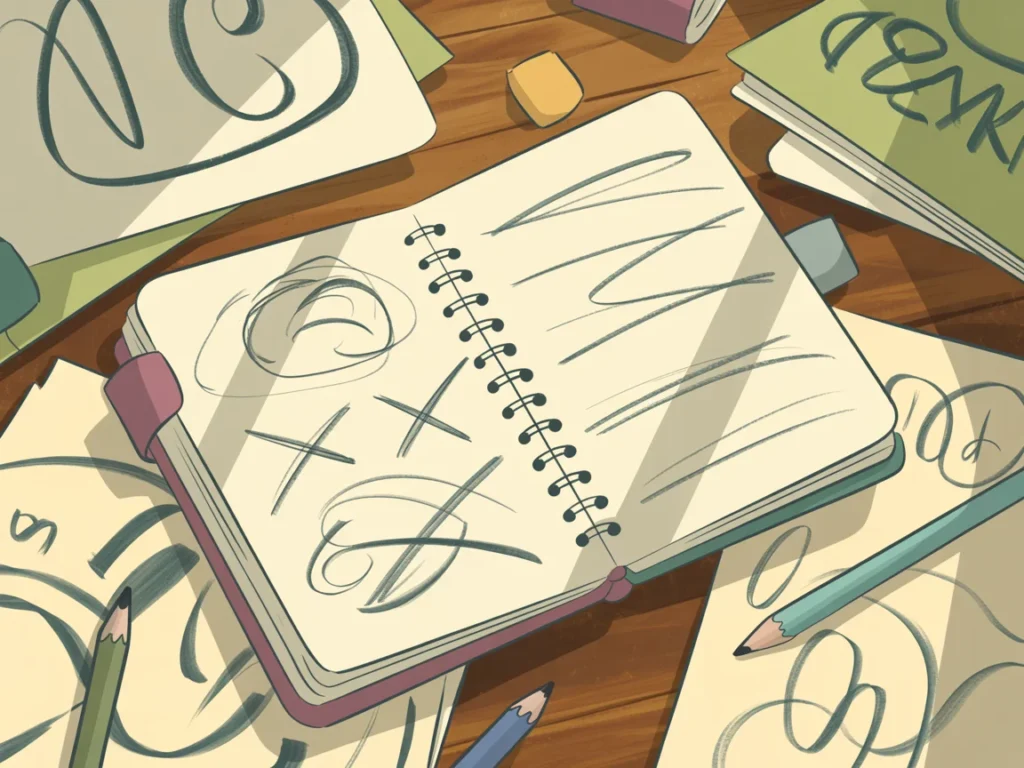
You may know the picture you want, but not the words to get it
Most beginners aren't missing creativity. They're staring at too many choices at once.
You might know you want something soft and pretty, but then the next questions pile up. Is it watercolor or realistic? Bright or muted? Close-up or wide view? Minimal or detailed? For print or for Instagram? Cute.
That last one is doing no heavy lifting at all.
This is why prompt writing can feel harder than the image idea itself. You're not only describing a subject. You're also making decisions about style, mood, color, angle, and purpose. That's a lot for one tiny box.
You also don't need fancy art terms to get started. Clear, simple language works better than people think. “A vintage-style teacup with pink flowers on a white background” is already more useful than trying to sound impressive and ending up vague.
A simple prompt works better when you change one thing at a time
A lot of prompt frustration comes from changing too much at once.
You make one image, don't love it, and then rewrite the whole thing. New subject, new style, new mood, new color palette, new background. Then the next result looks different, but you have no idea why. It becomes guesswork dressed up as progress.
Change one thing at a time, and you'll learn faster.
If the flowers are right but the style is wrong, change the style. If the style is right but the image feels too busy, simplify the background. One change gives you clean feedback. Ten changes give you confusion.
That isn't slow. It's how you stop spinning.
Why AI images don't always match what you meant
When an image comes out wrong, it usually isn't because you “did AI badly.” It usually means the prompt was too broad, too crowded, or not anchored to a clear goal.
Sometimes the problem starts before the prompt. You're making images without deciding what they're for. That sounds harmless, but it matters. A blog graphic needs something different from printable wall art. Clip art needs something different from a realistic scene.
If you've run into that mismatch a lot, this guide on why AI images don't match explains the pattern in a simple way.
Creating without a clear purpose can lead to endless tweaking
This is where a lot of people get stuck. They open the tool, start generating, and hope the image will reveal itself. Sometimes that works. Often, it turns into version 18 with no real finish line.
I call that “AI image spin.” You keep making image after image, but you never feel done. Not because you're failing, but because the target keeps moving.
When you decide the purpose first, the prompt gets easier. Ask: Is this for a workbook cover? A sticker? A decorative frame? A realistic social post image? The answer shapes everything else, including aspect ratio, background, detail level, and style.
Purpose gives the image a job. Jobs are easier to prompt than vague vibes.
Too many words, or conflicting words, can confuse the generator
More words don't always mean better results. Sometimes they create a tug-of-war.
A prompt like “minimalist detailed floral border with dramatic lighting, white background, rich background texture, realistic watercolor flat design” is trying to do too much at once. Some of those directions fight each other. The generator has to guess which ones matter most.
That's when you get what I think of as word salad, a prompt full of nice-sounding words that don't create a clear picture.
Short and specific usually wins. Try this instead: “Watercolor floral border, soft pink and green, white background, light detail, printable style.”
Cleaner prompt, clearer result.
How an AI Image Prompt Generator helps you stop overthinking
This is where an AI Image Prompt Generator helps more than people expect. It doesn't replace your idea. It removes the pressure of having to build the whole prompt from scratch while second-guessing every word.
You bring the subject, the purpose, and the general direction. The tool helps shape the structure so the prompt is more usable, more consistent, and less chaotic.
You can take those prompts into tools like MidJourney, Ideogram, or Artistly and start generating right away. Each one has a slightly different feel, but once your prompt is clear, the process becomes a lot easier.
You focus on the idea, the tool helps build the structure
A good generator is helpful because it keeps you from staring at a blank box wondering whether to start with subject, style, mood, or background.
You don't need to memorize formulas. You don't need to remember the “right” order. You don't need to type a mini novel and hope something magical happens.
Instead, you can start with something simple like “vintage wildflower clip art” or “cozy reading corner for a blog image,” and let the tool help fill in useful details like composition, image type, style direction, or background treatment.
That kind of support matters when you're new, or when your brain is tired, or when you've had enough of guessing for one day.
It can save time and help you get usable results faster
This is the part people often underestimate. Less overthinking means more output.
If you're creating a decorative frame, a realistic image, a bundle of clip art, or a simple blog graphic, structure helps you get there faster. Not perfect on the first try every time, because nothing works like that, but often close enough that refinement feels easy instead of exhausting.
You also get better consistency. When your prompts follow a clearer pattern, your images are less likely to wander off into strange territory. That matters if you're trying to create a set that looks like it belongs together.
The goal isn't perfection on the first pass. It's getting a solid starting point without burning all your energy before the image even loads.
What Are the Benefits of Using an AI Image Prompt Generator?
- saves time
- reduces guesswork
- gives clearer starting points
- improves consistency
- helps beginners get usable results faster
A simple workflow for creating better AI images with less stress
You do not need a complicated system here. You need a calm one.
If you want a beginner-safe way to write clearer prompts, these AI image prompts for beginners make the whole process much easier to follow.
Start with the subject, purpose, and one clear visual goal
Before you type anything, answer three questions:
- What is the subject?
- What is the image for?
- What is the one main thing you want it to look like?
That might sound like: “A watercolor lemon branch, for printable kitchen decor, with a clean white background.”
That's enough to start.
Knowing the purpose helps you make better choices without overthinking every one. A social media image may need more atmosphere. Clip art often needs clean edges and simpler composition. Printable art may need balance and a more polished layout.
You don't have to choose every detail upfront. Pick the bones of the image first.
Refine the result without chasing a perfect image
Once you get a result, pause before rewriting everything.
Ask one clear question: “What is the main thing that needs to change?” Maybe the colors are too dark. Maybe the background is too busy. Maybe the subject is right but the style feels off.
Then adjust that one thing.
Better is usually more useful than perfect.
AI works best when you guide it clearly, but leave a little room for surprise. Sometimes the image will give you a version you didn't plan that works even better for the project. That's not losing control. That's collaborating with the tool without letting it run the whole show.
If the result is usable, save it. If it needs one more tweak, make one more tweak. You do not need to earn every image by wrestling with it for an hour.
Final thoughts
You don't need to overthink your prompts to create strong AI images. You need a clear subject, a real purpose, and the patience to change one detail at a time instead of five.
That's the shift that helps everything feel lighter. Fewer words, more clarity, better results. Simple usually works better than complicated.
If you want an easier starting point, try the free AI image prompt generator. It helps you get out of your head and into the part where you actually make something.
Try This This Week
Whether you’ve been getting stuck on prompts or just want a simpler way to get started, try this:
Start with just one idea:
- Start with one simple idea
- Use the generator to create a few variations
- Pick one and run it—without overthinking
The goal isn’t perfection.
It’s momentum.
“Clarity comes from action, not thought.”
Here's to making magic,
Terre 💜
Beautiful Creative You
✨ Does creating the image sometimes take longer than creating the thing you needed the image for?
If you’ve ever felt stuck staring at a blank prompt box, you’re not alone.
I made a little free AI Image Prompt Generator for exactly that. Tell it what you want to create, and it helps turn the idea into a ready-to-use prompt.
💜 Let’s stay connected!
I’d love to cheer you on and share even more creative sparks with you:
- Join the conversation in my free Facebook group: Beautiful Creative You Community
- Follow me on Facebook
- Follow along on Instagram
- Find fresh ideas on Pinterest
🌟 Come say hi — I’d love to see what you’re creating.
By the way, some links in this post may be affiliate links, which means I may earn a small commission if you choose to purchase through them (at no extra cost to you).