Learn AI by Creating Something You Care About
One of the best ways to learn AI is by using it to create something you genuinely care about.
Have you ever had an idea you were excited about, only to find it six months later still living in a notebook, a Google Doc, or one of 47 browser tabs you’re mildly afraid to close?
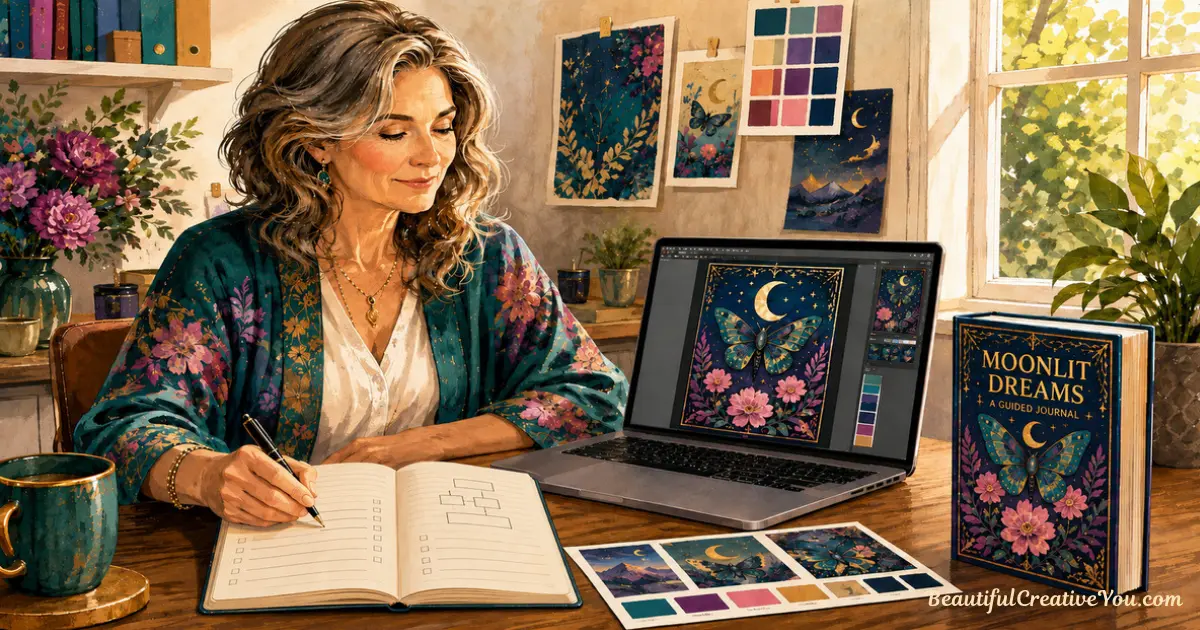
Maybe it’s a journal, a set of affirmation cards, a children’s workbook, party supplies for a grandbaby, or a folder full of AI images you plan to use someday.
You don’t need to learn every last thing about AI image creation before you begin. You learn AI by using it to create something you care about.
That small shift changes what you ask AI to create, what you learn along the way, and whether your idea ever becomes a finished project.
Why so many good ideas stay ideas
Most creative people do not have an idea problem. We have notebooks, sticky notes, voice memos, saved fonts, clipart collections, stock photos, and scraps of paper that made perfect sense at the time. Probably.
The trouble usually comes down to two things.
First, we put far too much pressure on one little project. A journal becomes the journal—the one people rave about, the one that proves we can do this, the one that makes all the time we’ve spent learning AI feel worthwhile.
One small project should not have to carry all that pressure.
The second problem is believing we need to know everything before we start. Every page. Every image. Every detail. Every tool. Every step.
That is not how creativity usually works, and it is a fairly miserable way to approach it.
These thoughts can appear whether you are creating your first project or your fiftieth:
- “I don’t know enough yet.”
- “It has to be really good.”
- “Maybe I should change one more thing.”
- “I’m not sure it’s ready.”
Different thoughts, same result: you stop moving forward.
Perfectionism often looks like high standards, but it can also be fear wearing a sensible-looking cardigan.
Learn AI by starting with a project, not a prompt
Before you open an image generator, decide what you want to make. Begin with the project; the details can unfold as you create.
Maybe you want to create a set of hummingbird affirmation cards, a printable birthday game, a journal for a friend, clipart for an Etsy shop, or wall art for a child’s room. That decision gives your images somewhere to go.
Choose the project first.
A clear project helps you decide what images you need, which style fits, and what belongs together. It also gives you a natural stopping point—something that can be surprisingly elusive when generating interesting images is so much fun.
If you have a collection of ideas but cannot decide where to begin, this guide on turning ideas into a cohesive project can help you give one idea a little shape.
A single sentence is enough to begin:
“I am creating a set of soft, vintage-style hummingbird affirmation cards for women who need a little encouragement.”
Now you have direction. Each prompt and image can support the thing you have decided to create.
Let the project grow without starting over
Choosing a project gives you direction while leaving room for discovery. You can begin before you know every page, image, or resource the finished project might include. Some of the best ideas appear because you are already doing the work.
My AI Image Prompt Generator is a good example. It began as a checklist to help people write better prompts. As I worked on it, that checklist grew into a note, then a workbook, and eventually a prompt generator. The original purpose stayed the same, but the project became more useful along the way.
That is growth.
Starting over every other week because a new idea feels more exciting is usually something else. It is often avoidance wearing a very creative disguise.
| Growth | Avoidance |
|---|---|
| Adding something that helps the project serve people better | Changing direction before the current idea has a chance |
| Discovering a useful workbook or extra resource as you work | Beginning five projects and finishing none |
| Refining an idea with a clear purpose | Replacing the idea whenever the work becomes uncomfortable |
The goal is to give one idea enough time to become real while allowing it to show you what it could become.
A calmer AI image workflow can help here too. Creating smaller batches with one clear direction is much easier than sorting through a giant folder of beautiful, unrelated images.
Learn AI through the project in front of you
Many people say, “I need to learn AI.” That sounds reasonable, but it can lead to a strange kind of procrastination where you memorize prompt formulas without knowing what you want to make. A real project gives that learning somewhere to go.
You learn AI by creating.
Pick a project that sounds fun. As you make a printable, journal, gift, clipart collection, or set of affirmation cards, you naturally learn how to write better prompts. You begin to notice what makes an image feel beautiful, useful, cohesive, or a little bit off. You build your visual vocabulary and discover which details help AI understand what you are imagining.
Prompting is one part of the process. The decisions you make before writing the prompt matter too.
Recently I spoke with a woman who was creating products for her Etsy shop. She came to me because she thought she needed help with prompting—and she probably did. But prompting was not the first challenge.
She was asking AI to create an image of a “baby bib.” In this case, what she actually needed was the artwork she wanted to put on the baby bib. Once she decided what that image should be, she could ask AI to create it and then place it on the product.
This is just one of many easy mistakes for a beginner to make, and the distinction is not always obvious. Sometimes the prompt feels difficult because you are asking AI for the finished product before deciding what image the product needs.
Here’s a simple way to think about it: don’t ask AI to create the product itself first — ask it to create the artwork you want to place on the product.
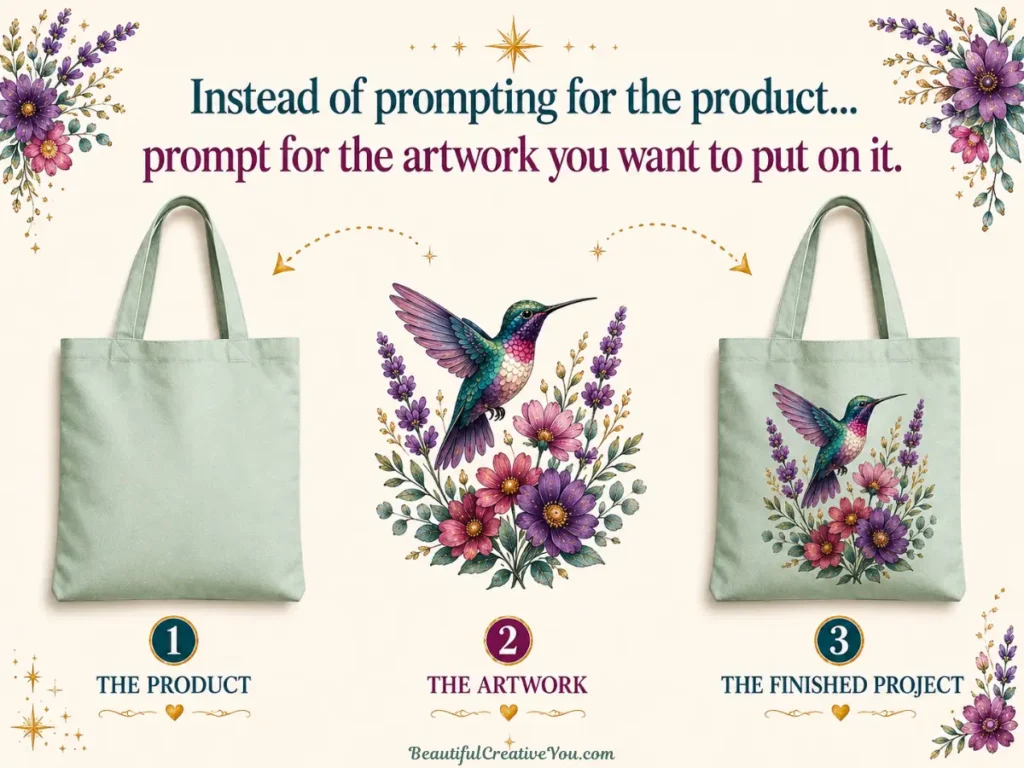
The bigger lesson is to decide what the finished project actually needs before asking AI to create it.
For a physical product, that may mean creating the artwork first and then placing it on the product. For a workbook, journal, card deck, or
other digital project, you may need to map out the structure first and then create the visuals each part needs.
The order you create in depends on what you’re making, which is why deciding on the project comes first.
Start with three decisions:
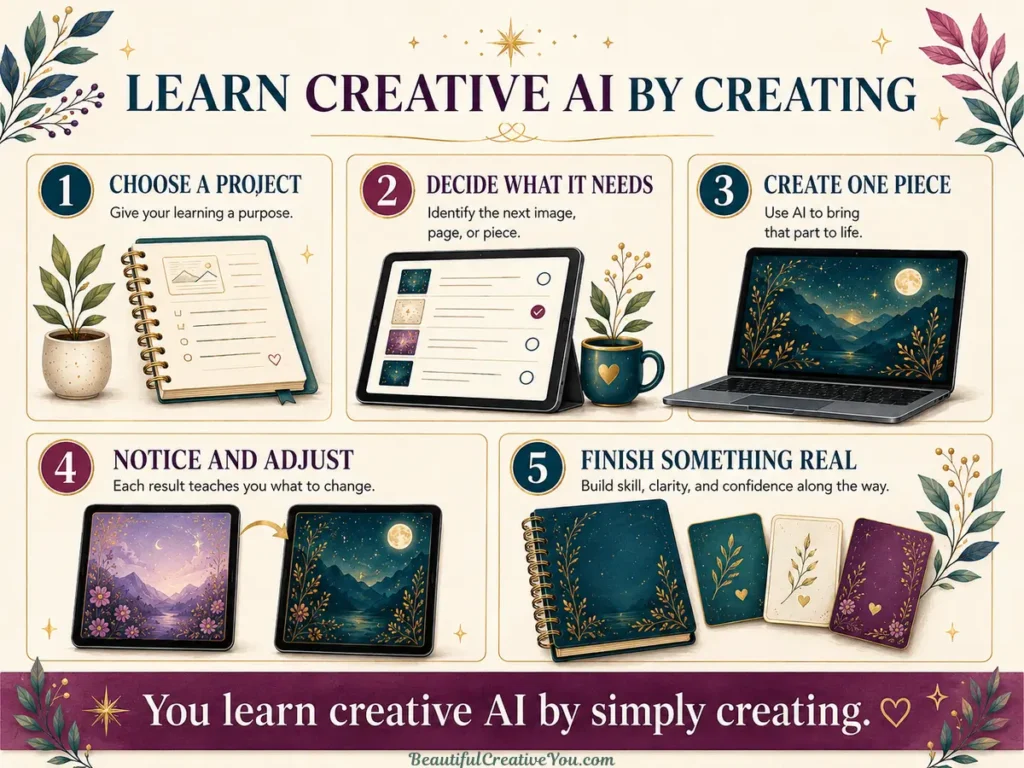
- Choose the finished project.
- Decide what part or visual you need next.
- Ask AI to help you create that piece.
Once you know what image your project needs, the AI Image Prompt Generator can help you turn that idea into a detailed prompt you can use in your preferred image generator.
A project gives every prompt a purpose. Instead of asking AI to make “something pretty,” you are asking it to create a particular image for something you care about.
Whether you use MidJourney, Ideogram or another image generator, your direction matters more than the tool. Create what your project needs next, and let each step teach you the next thing you need to know.
Learn AI & build confidence faster by finishing one thing
Planning is helpful. Brainstorming can be fun. Collecting ideas is practically a hobby for some of us.
But finishing builds confidence.
Every completed project gives you evidence: I can do this.
You learned something new. You made decisions. You figured out a tool. You adjusted an image that was not quite right and kept going. Eventually, you created something that once existed only in your imagination.
That experience teaches you more than another saved video or folder of unused images ever could. It also gives you something important to carry into the next project: proof that you can take an idea and bring it to life.
If unfinished AI image projects are familiar territory, understanding why creative AI projects stall can help you recognize what is getting in the way. Often, the project simply needs a clearer destination and one manageable next step.
When you need help with the next decision
Clarity does not typically arrive before you begin. It usually shows up once you are moving forward.
You cannot steer a ship sitting in the harbor. It has to be moving before you can steer it. Creative projects work much the same way. You can begin with a direction, then make the next decision as the project takes shape.
That is the thinking behind Creative Compass. It is more than just another tool asking you to become more technical or write perfect prompts. It is a creative partner that helps you think through questions like:
- What are you creating, and who is it for?
- What images will the finished project need?
- What style fits the feeling you want to create?
- Which details will make it feel thoughtful and distinctive?
- What should you create first?
If you are new to creating with AI, Creative Compass can walk beside you one decision at a time. If you already know what you want to make, it can simply help you map out the pieces you need to bring it to life.
Sometimes you need a creative coach. Sometimes you need a creative partner who can keep up with your ideas. Both are useful.
Pick one idea and see what happens
You might create an Etsy product, a thoughtful gift, a business freebie, or a little project that is only for you.
You might create something you can sell, and I hope you do, if that is what you want to do. But the finished product is not the only thing that matters. So does everything you learn while bringing it to life.
Pick one project, not five. Let it be imperfect. Let it teach you what you need to learn next.
Every prompt you write, image you adjust, and decision you make builds your skill and confidence. By the time you finish, you will understand more about AI—and you'll have something real to show for it.
The next project may not be easier because the project itself is simpler. It will be easier because you have proof that you can do this.
Choose something you care about and begin creating. That is how you learn AI.
Try This This Week
Choose one creative idea you care about and give it somewhere to go.
Write one sentence that describes:
- What you want to create
- Who it is for
- Why you want to create it
Then decide on one small step that will move the project forward. You might choose the first image, outline the pages, gather your ideas, or decide what the finished project needs to include.
The goal is not to finish everything today. It is to turn one idea into a project you have begun.
That’s momentum.
You learn Creative AI by simply creating.
Here’s to making magic,
Terre 💜
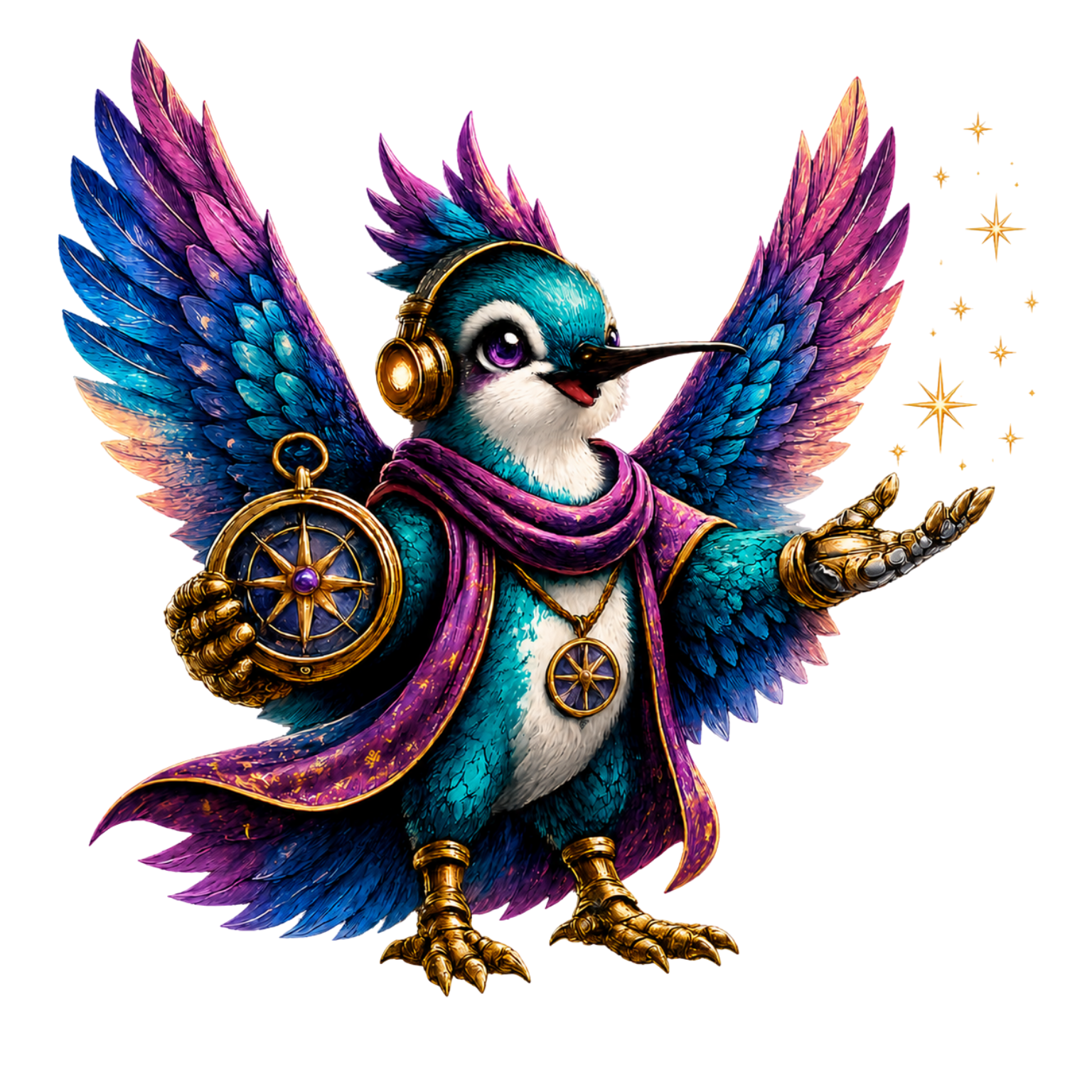
✨ Want help turning your idea into something real?
Creative Compass helps you shape your idea, decide what your project needs, and build the prompts to bring it to life.
✨ Explore Creative Compass for $17
Regularly $27
💜 Let’s stay connected!
I’d love to cheer you on and share even more creative sparks with you:
- Join the conversation in my free Facebook group: Beautiful Creative You Community
- Follow me on Facebook
- Follow along on Instagram
- Find fresh ideas on Pinterest
🌟 Come say hi — I’d love to see what you’re creating.